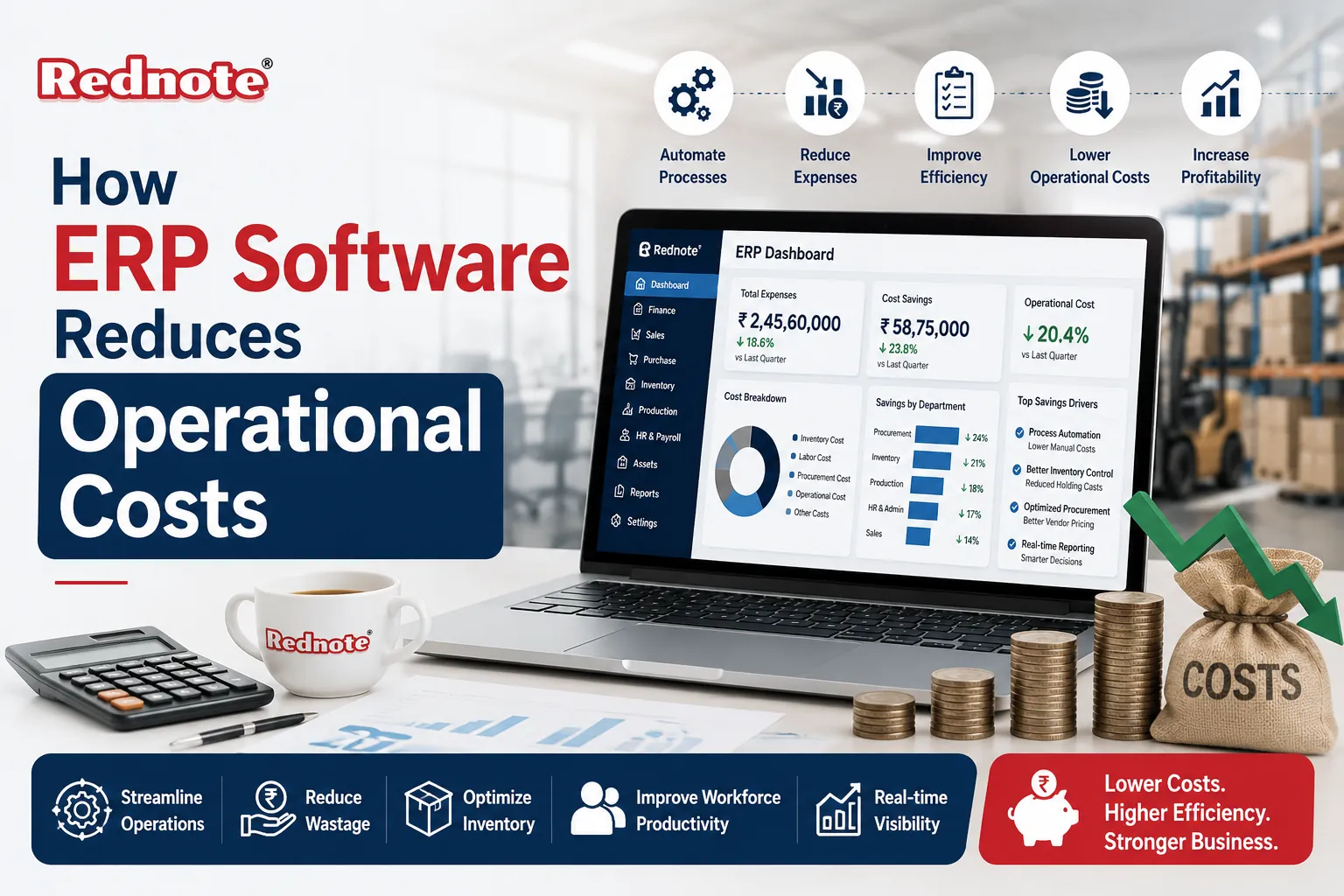
How ERP Software Reduces Operational Costs
Running a business without a clear view of your money, inventory, and people is like driving with a foggy windshield. You know you're moving, but you can't see the potholes until you hit them. That's the reality for a lot of companies still juggling spreadsheets, disconnected tools, and manual approvals.
Enterprise Resource Planning (ERP) systems exist to clear that fog. They pull every department finance, inventory, HR, procurement, sales into one connected platform, so decisions are based on real numbers instead of guesswork.
In this guide, you'll learn exactly how ERP software reduces operational costs, where the savings actually come from, what mistakes derail ERP projects, and how to know if your business is ready to make the switch. Whether you're a finance manager evaluating software or an operations lead trying to justify the investment to leadership, this breaks it down in plain language.
What Is ERP Software, and Why Does It Matter for Cost Control?
ERP software is a centralized system that connects core business functions accounting, inventory, procurement, manufacturing, HR, and customer management into a single database. Instead of five departments working off five different tools (and five different versions of the truth), everyone pulls from the same live data.
Here's the short answer for anyone skimming: ERP reduces costs by eliminating duplicate work, cutting manual errors, improving inventory accuracy, and giving leadership the visibility needed to spot waste before it becomes a bigger problem.
That visibility is the real value. You can't fix a cost problem you can't see. A disconnected business might not notice it's over-ordering raw materials until the warehouse is overflowing. An ERP system flags that pattern in real time.
How Automation Cuts Day-to-Day Operating Costs
Manual, repetitive tasks are one of the biggest hidden costs in any organization. Someone has to enter invoices by hand. Someone has to reconcile spreadsheets. Someone has to chase down approvals over email.
ERP automation for business replaces these repetitive tasks with automated workflows. Purchase orders get generated automatically when stock hits a threshold. Invoices get matched and approved without a human re-typing number. Payroll runs on a schedule instead of requiring manual calculation every cycle.
Practical examples of what gets automated:
- Automatic reordering when inventory drops below a set level
- Invoice-to-payment matching (three-way match) without manual review
- Payroll tax calculations and compliance updates
- Recurring financial reports generated on a schedule
- Customer order confirmations and shipping notifications
Each of these might save only a few hours a week individually. Multiplied across a full year and multiple departments, that adds up to real payroll savings and fewer costly data-entry errors.
Reducing Labor and Administrative Overhead
A lot of operational cost isn't in big, visible line items it's buried in administrative overhead. Staff spending hours reconciling numbers between systems. Managers approving the same request twice because the first email got lost. Finance teams closing the books late every month because data has to be manually pulled from four sources.
One of the clearest benefits of ERP software is that it removes this overhead by giving every department a single source of truth. When HR, finance, and operations are all looking at the same live data, you don't need extra staff hours just to reconcile discrepancies.
Common areas where labor costs drop after ERP adoption:
| Task | Before ERP | After ERP |
|---|---|---|
| Month-End Close | 7–10 Days, Manual Pulls | 2–3 Days, Automated Reports |
| Invoice Processing | Manual Entry, Prone to Error | Automated Matching and Approval |
| Inventory Counts | Physical Audits, Spreadsheets | Real-Time Tracking |
| Payroll Processing | Manual Calculations | Automated, Compliant Runs |
This doesn't necessarily mean cutting headcount it usually means your existing team can focus on higher-value work instead of data cleanup.
Smarter Inventory and Supply Chain Management
Inventory is one of the fastest ways to lose money without noticing. Overstocking ties up cash in products sitting on a shelf. Understocking causes missed sales and rushed, expensive reorders.
ERP platforms track inventory in real time across every warehouse and sales channel. That means reduce operational costs with ERP becomes very concrete here: fewer emergency purchases, less dead stock, and tighter alignment between what you're producing and what customers actually want.
A mid-sized distributor, for example, might discover through ERP reporting that one product line is consistently overstocked by 30% every quarter tying up warehouse space and cash that could go elsewhere. Once that pattern is visible, procurement can adjust ordering immediately instead of waiting for a year-end audit to catch it.
Key inventory cost savings from ERP:
- Reduced carrying costs from lower excess stock
- Fewer rush orders and expedited shipping fees
- Better demand forecasting using historical sales data
- Less waste from expired or obsolete inventory
Better Decision-Making Through Real-Time Data
You can't manage what you can't measure — and before ERP, many businesses were managing costs based on reports that were already weeks old by the time anyone read them.
ERP dashboards give leadership live visibility into cash flow, department spending, production costs, and sales performance. That real-time view is a major driver of ERP software cost savings, because problems get caught while they're still small and inexpensive to fix, rather than after they've compounded for a quarter.
This also supports ERP software for business efficiency more broadly. Teams stop wasting time compiling reports manually and instead spend that time actually acting on the numbers. A production manager who can see machine downtime in real time can address a maintenance issue before it causes a costly line stoppage.
Common Mistakes That Cancel Out ERP Cost Savings
ERP software isn't automatically a cost-saver it needs to be implemented well. These are the most common mistakes that eat into the expected return on investment:
- Skipping proper process mapping. Implementing ERP on top of broken workflows just automates the broken workflow faster.
- Under-training staff. If employees revert to spreadsheets because they don't trust the new system, you lose the efficiency gains.
- Over-customizing the software. Heavy customization increases implementation cost and makes future upgrades harder and more expensive.
- Choosing a system that doesn't fit business size. An overly complex ERP for a small operation adds cost without matching benefit, and an underpowered one for a growing company creates bottlenecks.
- Ignoring data migration quality. Moving inaccurate or duplicate data into the new system just carries old problems forward.
Avoiding these pitfalls is often more important than which specific ERP vendor you choose.
Conclusion
ERP software reduces operational costs by tackling the problem from several angles at once: automating repetitive work, cutting administrative overhead, tightening inventory control, and giving leadership real-time data to make faster, better decisions. The savings aren't usually dramatic overnight they build steadily as manual errors disappear and teams stop duplicating work across disconnected tools.
The businesses that get the most value are the ones that treat ERP as a process improvement project, not just a software purchase mapping workflows properly, training staff thoroughly, and choosing a system that actually matches their size and complexity.
If you're evaluating ERP for your business, start by identifying where your current manual processes are costing the most time and money. That's usually where the biggest savings are waiting.
Frequently Asked Questions