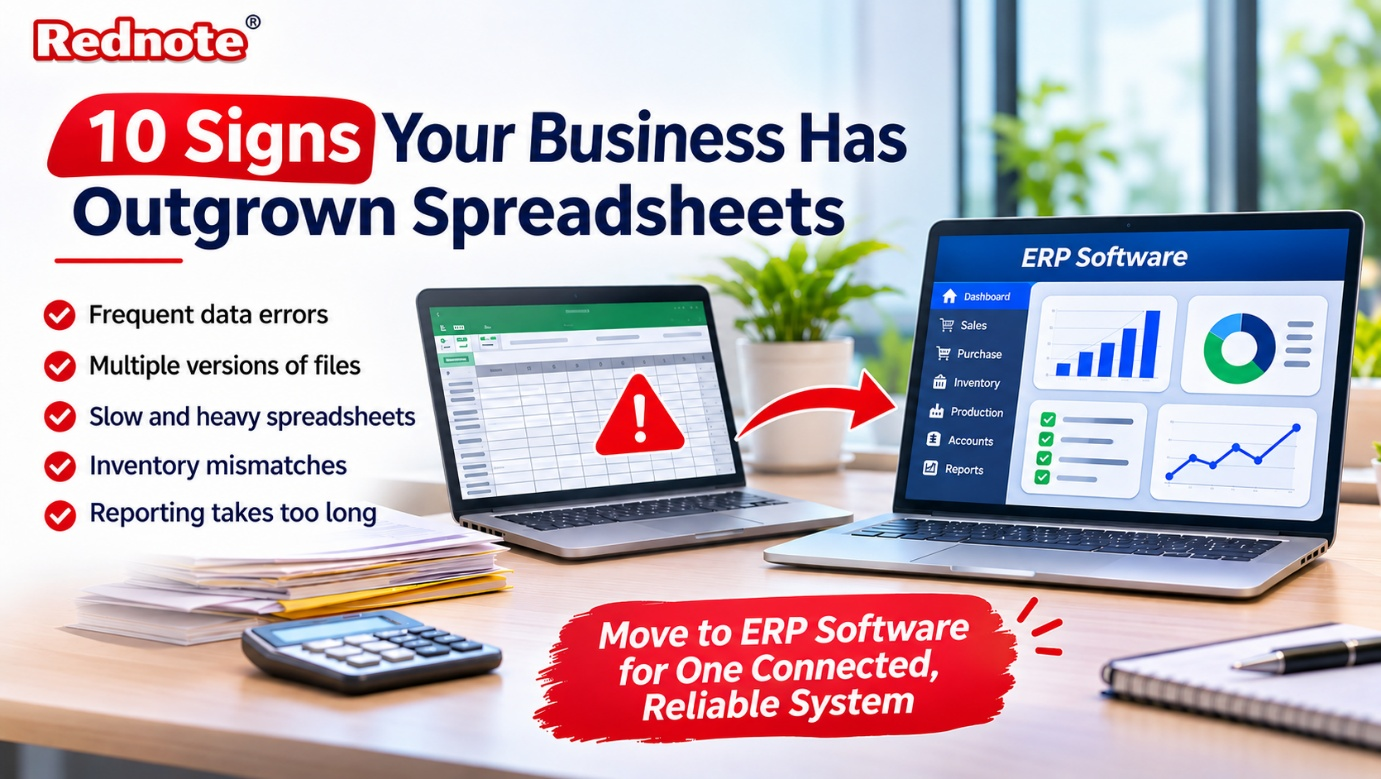
10 Signs Your Business Has Outgrown Spreadsheets
Almost every business starts with a spreadsheet. It is free, familiar, and flexible enough to track sales, stock, payroll, and just about anything else. But there comes a point when the file that once saved you time starts costing you money. If you have ever lost an hour hunting for the "latest version" of a sheet, you already know the feeling. This is usually the moment growing companies begin looking at ERP software to bring everything into one reliable place.
So how do you know it is time to move on? Here are ten clear signs that your business has outgrown spreadsheets.
You Spend More Time Fixing Data Than Using It
One wrong formula, one accidentally deleted row, or one cell typed in the wrong format can throw off an entire report. When your team spends hours cleaning, checking, and re-checking numbers before every meeting, the spreadsheet is no longer helping. It is creating extra work. Studies on spreadsheet use have repeatedly found that a large share of business spreadsheets contain errors, and the bigger the file, the higher the risk.
Everyone Has Their Own Version of the Truth
Sales keeps one file. Accounts keeps another. The warehouse has a third. Each one is slightly different, and nobody is sure which is correct. Emailing files back and forth only makes it worse, because by the time you open an attachment, someone has already changed the original. A single connected ERP system removes this confusion because every department works from the same live data.
Your Files Take Forever to Open
A spreadsheet with thousands of rows, multiple tabs, and heavy formulas will slow down even a good computer. If you see the "not responding" message more often than you would like, or the file crashes right before you hit save, that is a warning. Spreadsheets were never built to handle the volume of data a growing business produces.
Inventory Never Quite Matches Reality
This one hurts the most for product-based businesses. Stock levels in the sheet say you have 200 units, but the shelf says 140. Orders get delayed, customers get upset, and you end up over-buying material you already have. Manufacturers feel this pain even more, since raw materials, work in progress, and finished goods all need to be tracked together. This is where manufacturing ERP software makes a real difference, because it updates stock automatically as material moves through production.
Only One Person Understands the Sheet
Every office has that one person who built the master file and knows which cells you must never touch. What happens when they go on leave, or worse, resign? A business that depends on one person's memory and one person's formulas is carrying a hidden risk. Software with defined processes and proper documentation protects you from this.
Teams Cannot Work on the Same Data at the Same Time
Shared spreadsheets help a little, but they still struggle when several people edit together. Changes overwrite each other, comments get lost, and there is no clear record of who changed what. When accountability matters, such as in approvals, purchase orders, or pricing, you need proper user roles and an audit trail, not a shared link.
Reporting Takes Days Instead of Minutes
If your month-end report involves pulling data from five different files, merging it by hand, and praying nothing breaks, you are always looking backwards. Decisions get made on old numbers. Modern business software gives you live dashboards, so you can see sales, cash flow, and production status whenever you need them, not two weeks later.
You Are Struggling With Compliance and Tax Work
Indian businesses deal with GST invoices, e-way bills, TDS, and regular filings. Handling this manually in spreadsheets invites mistakes, and mistakes mean penalties and notices. A purpose-built ERP software India solution is designed around local tax rules, so invoices, returns, and records stay accurate and audit-ready without constant manual checking.
Growth Has Made Everything Harder, Not Easier
More customers, more products, more branches, more staff. In a healthy business, growth should feel like progress. If every new order or new location adds another layer of manual effort, your process is the bottleneck. Systems that scale with you let you grow without hiring a whole team just to maintain files.
Your Departments Do Not Talk to Each Other
Production does not know what sales promised. Purchase does not know what stores already have. Accounts finds out about an expense after the money has gone out. When information lives in separate sheets, departments work blind. An integrated platform links sales, purchase, inventory, production, and accounts, so one action in one department updates everything that depends on it.
What to Do If You Recognise Three or More of These Signs
Seeing yourself in even three of the points above is a good reason to start planning a switch. You do not have to throw everything away overnight. Most companies move in stages: start with inventory and billing, then add production, purchase, and finance as the team gets comfortable.
If you run a factory or a workshop, look for ERP software for manufacturing company needs specifically. Features like bill of materials, production planning, job work tracking, and quality checks matter far more to you than a generic accounting tool would.
Here are a few simple points to check before you choose a solution:
- Fit for your industry: The software should speak your business language, not force you to change how you work.
- Ease of use: If your staff finds it confusing, they will go back to spreadsheets within a month.
- Local support: Quick help in your own time zone and language saves a lot of stress during setup.
- Scalability: Pick something that can add users, branches, and modules as you grow.
- Data migration: Make sure your existing Excel data can be imported cleanly.
- Total cost: Look beyond the licence price to training, customisation, and support charges.
When you compare options, the best ERP software is not the one with the longest feature list. It is the one your team will actually use every day and that solves the problems you identified above. Ask for a live demo using your own sample data, and involve the people who will use it daily in the decision.
You can explore practical solutions and see how a modern setup works at rednote.in, where the focus is on helping Indian businesses replace scattered files with one organised system.
Final Thoughts
Spreadsheets are not bad. They helped you build your business, and they will still be useful for quick calculations and small tasks. But when errors keep creeping in, reports arrive late, and your team spends more time managing files than managing the business, it is time to upgrade.
Switching to the right ERP software India provider gives you accurate data, faster decisions, and a business that can grow without chaos. If you are ready to take the next step, visit rednote.in, check how an ERP system fits your daily operations, and move from patchwork files to one dependable platform.