



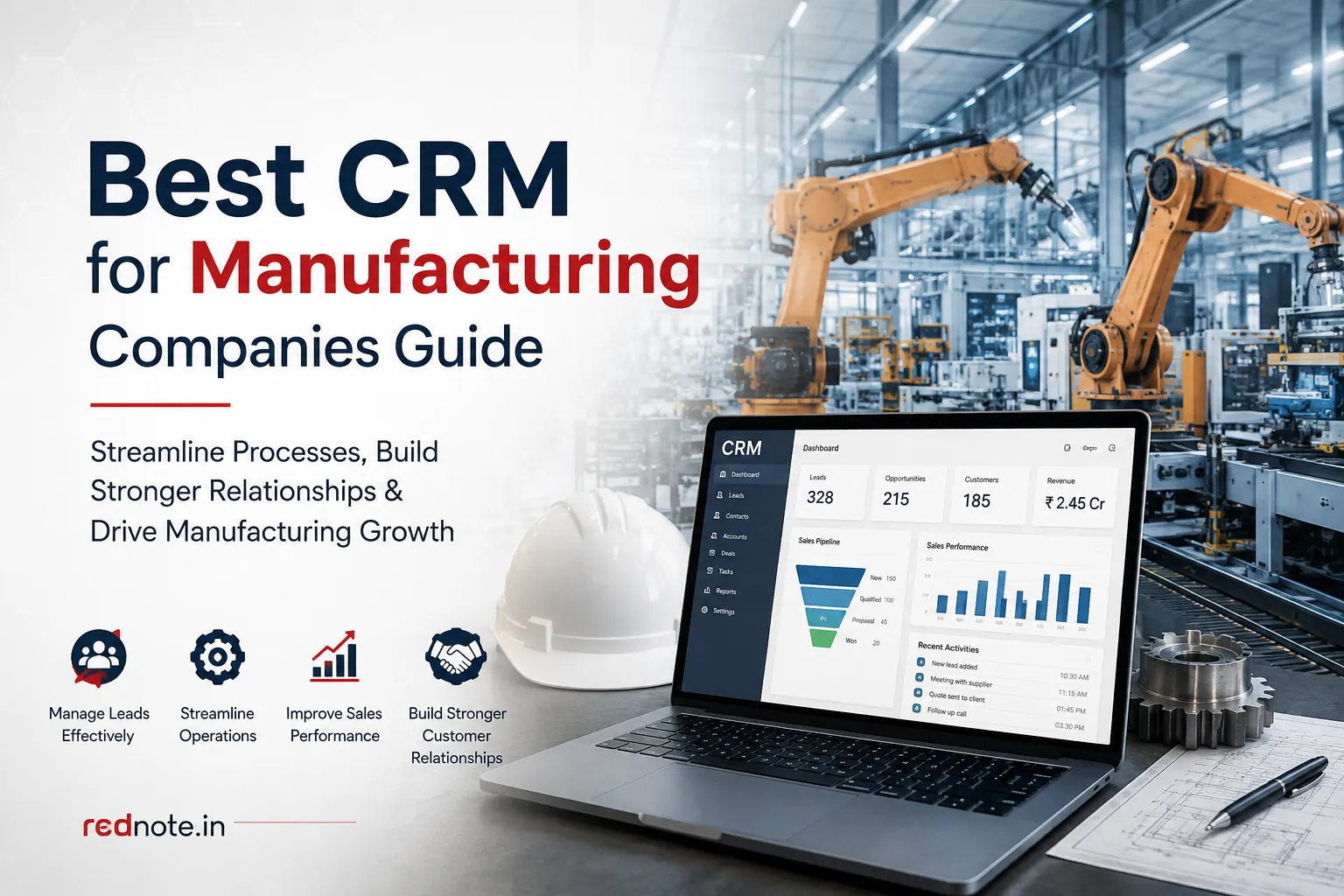
Best CRM Software for Manufacturing Companies
Choosing the right customer relationship management platform can have a major impact on how efficiently a manufacturing company manages leads, customers, quotations, sales opportunities, and follow ups.
Manufacturing sales are often more complex than standard business-to-business transactions. A single deal may involve engineers, purchasing teams, distributors, finance departments, production teams, and several rounds of negotiation. Information can quickly become difficult to manage when it is spread across spreadsheets, email conversations, notes, and different business applications.
The best CRM for manufacturing should bring important customer and sales information into one organized system while fitting naturally into the company's existing workflow.
This guide explains the key features to evaluate, how to compare different platforms, what integrations matter, how to approach implementation, and which common mistakes businesses should avoid.
Why Manufacturing Companies Need a CRM
Manufacturing businesses often manage long sales cycles and relationships that continue well beyond the initial purchase.
A prospect might begin with a website enquiry and then request technical information, samples, pricing, product modifications, and a formal quotation. Several employees may become involved before the customer finally places an order.
Without a centralized system, important information can become scattered.
A dedicated platform can help teams maintain a single view of:
- Customer and company details
- Sales opportunities
- Previous conversations
- Follow up activities
- Quotations
- Meetings
- Tasks
- Sales forecasts
- Customer service interactions
- Account history
This visibility allows sales representatives to prepare for conversations more effectively and gives managers a clearer understanding of the pipeline.
It can also reduce dependence on individual spreadsheets and personal records.
Essential Features to Look For
Not every platform is designed around the requirements of industrial sales teams. Before creating a shortlist, identify the features that will have the greatest practical impact.
Lead Management
Manufacturing enquiries can arrive through websites, trade shows, referrals, distributors, email campaigns, existing customers, and outbound sales activity.
The platform should make it easy to capture these enquiries, assign them to the appropriate employee, and monitor their progress.
Useful capabilities include:
- Lead qualification
- Lead assignment
- Source tracking
- Follow up reminders
- Activity history
- Lead conversion
- Custom fields
For example, a new enquiry requesting pricing for a large recurring order should be immediately visible to the appropriate salesperson rather than remaining unnoticed in an inbox.
A well configured manufacturing CRM software platform can help organize these enquiries and provide a consistent process for moving qualified prospects into the sales pipeline.
Opportunity Management
Once a lead becomes a genuine sales opportunity, representatives need a clear way to monitor its progress.
A typical pipeline might include:
- New opportunity
- Qualified
- Technical evaluation
- Quotation requested
- Quotation submitted
- Negotiation
- Customer approval
- Won or lost
The stages should reflect the company's real sales process.
Avoid creating too many stages. If employees have difficulty understanding which stage an opportunity belongs to, reporting quality can suffer.
Contact and Account Management
A customer account may include a purchasing manager, engineer, plant manager, finance contact, quality representative, and senior decision maker.
The platform should allow multiple contacts to be associated with one company while maintaining individual contact information and interaction history.
This becomes particularly valuable when a salesperson leaves the company or another representative needs to take over an account.
Before contacting a customer, a salesperson should be able to review previous conversations and activities without searching through multiple email threads.
Activity and Follow Up Management
Long sales cycles make consistent follow ups particularly important.
The system should allow representatives to create tasks, record calls, schedule meetings, and receive reminders.
Managers should also be able to identify opportunities that have not received attention for a specified period.
This visibility can help prevent promising opportunities from becoming inactive simply because a follow up was forgotten.
Integration With Existing Business Systems
Most manufacturing businesses already use several applications.
These may include:
- ERP systems
- Accounting software
- Inventory platforms
- Customer support systems
- Marketing applications
- Ecommerce platforms
- Business intelligence tools
- Email platforms
A CRM for manufacturing should complement these systems instead of creating another isolated database.
For example, a salesperson may need customer information while preparing a quotation. Once an order is confirmed, relevant information may need to move into an ERP system for fulfillment and financial processing.
Before selecting a platform, document which information needs to move between applications.
Ask potential vendors:
- Which integrations are available?
- Are they native or third party?
- What information is synchronized?
- How frequently does synchronization occur?
- What happens when synchronization fails?
- Who maintains the integration?
- Are additional charges involved?
Do not rely solely on a vendor saying that an integration is available.
Ask for a demonstration using a realistic example from your own workflow.
How to Compare Different Platforms
A structured comparison is more reliable than choosing a platform after a single sales presentation.
Start by creating a requirements document based on your actual business processes.
Separate requirements into three groups.
Must Have Features
These are capabilities the business cannot operate effectively without.
Examples may include:
- Contact management
- Opportunity tracking
- Sales reporting
- Mobile access
- ERP integration
- User permissions
Should Have Features
These capabilities can improve productivity but may not be essential for the initial implementation.
Examples include:
- Advanced automation
- Marketing functionality
- Territory management
- Advanced analytics
- Customer service tools
Nice to Have Features
These features may become useful as the business grows but should not determine the initial purchase.
This approach prevents unnecessary functionality from influencing the buying decision.
When evaluating CRM software for manufacturers, also consider whether the system is easy enough for salespeople to use consistently.
A sophisticated platform has limited value if employees avoid updating customer records or find the workflow too complicated.
Create a Weighted Scorecard
A simple scorecard can make vendor comparisons more objective.
| Evaluation Area | Importance |
|---|---|
| Ease of use | Very High |
| Lead management | High |
| Opportunity management | Very High |
| Contact management | High |
| Reporting | High |
| Integration | Very High |
| Automation | Medium |
| Mobile access | Medium |
| Customization | Medium |
| Security | Very High |
| Customer support | High |
| Total cost | High |
Score each shortlisted platform against the same requirements.
This also makes it easier to explain the final recommendation to management and other stakeholders.
Consider the User Experience
User adoption is one of the most important factors in a successful implementation.
A platform may have excellent functionality, but employees still need to use it every day.
Think about the tasks a salesperson performs regularly.
They may need to:
- Add a new enquiry
- Find a customer
- Review previous interactions
- Update an opportunity
- Schedule a follow up
- Record a call
- Check outstanding tasks
- Review expected revenue
If these activities require too many steps, employees may return to spreadsheets or email.
During vendor demonstrations, ask the vendor to perform realistic tasks instead of simply presenting features.
For example, provide a fictional customer enquiry and ask the vendor to demonstrate how it would move from initial contact through qualification, quotation, follow up, and closure.
This provides a much more useful assessment of usability.
Pricing and Total Cost of Ownership
Subscription pricing is only one part of the financial decision.
The total cost may include:
- User licenses
- Implementation
- Data migration
- Training
- Integration
- Custom development
- Additional storage
- Premium support
- Reporting features
- Future upgrades
A platform with a low entry price can become expensive if essential capabilities require additional paid features.
On the other hand, a premium platform may provide little additional value if your business only needs basic functionality.
Calculate the expected cost over several years rather than comparing only monthly subscription prices.
Also ask what happens when you add users, expand into new regions, or require additional functionality.
If you are researching the best CRM software for manufacturing companies, pricing should therefore be evaluated alongside usability, functionality, support, integration, and scalability rather than considered in isolation.
Implementation Planning
Successful implementation begins before employees receive access to the new platform.
Clean Existing Data
Review existing customer information before importing it.
Remove:
- Duplicate companies
- Duplicate contacts
- Invalid email addresses
- Outdated records
- Incomplete information
- Unnecessary historical data
Clean information provides a much stronger foundation for reporting and customer management.
Define Standard Processes
Establish clear rules for recording:
- New leads
- Opportunities
- Customer meetings
- Sales activities
- Quotations
- Follow ups
- Lost opportunities
Standardization helps maintain consistent data across the organization.
Provide Practical Training
Avoid trying to teach every feature during the first training session.
Start with the activities employees perform every day.
Show them how to create a customer record, update an opportunity, schedule a task, record a conversation, and find relevant information.
Once users become comfortable with these basics, introduce more advanced functionality.
Common Mistakes to Avoid
Choosing Based Only on Price
The lowest subscription price does not necessarily represent the lowest overall cost.
If employees struggle with the platform, data quality may suffer and managers may not receive reliable reports.
Consider the total investment rather than the monthly fee alone.
Buying Too Many Features
A long feature list can look impressive during a demonstration.
However, unnecessary complexity can increase training requirements and reduce adoption.
Focus on capabilities that solve real business problems.
Ignoring Integration Requirements
If information cannot move efficiently between your systems, employees may have to enter the same data multiple times.
Confirm integration capabilities before signing a contract.
Underestimating Data Migration
Moving customer information requires preparation.
Decide what should be migrated, what should be archived, and what needs to be cleaned before import.
Forgetting Employee Adoption
Management may approve the purchase, but employees determine whether the platform becomes part of the daily workflow.
Explain why the system is being introduced and show employees how it can make their work easier.
Questions to Ask Vendors
Before selecting a platform, ask every shortlisted vendor the same questions.
Can the platform support our sales process?
Ask vendors to demonstrate your actual workflow rather than a generic example.
Can it connect with our existing systems?
Confirm exactly which integrations are included and whether additional services or fees are required.
How is customer information protected?
Ask about authentication, access controls, encryption, backups, data retention, and security procedures.
What support is included?
Clarify implementation assistance, training, technical support, response times, and account management.
Can the system scale?
Consider future users, departments, locations, product lines, and customer volumes.
What happens if we leave?
Understand how your data can be exported and what happens to customer information when the contract ends.
Practical Evaluation Checklist
Before making a final decision, confirm that your shortlist can support the following:
- Centralized customer records
- Lead tracking
- Opportunity management
- Task management
- Sales activity history
- Quotation tracking
- Pipeline reporting
- Forecasting
- Mobile access
- Workflow automation
- Integration capabilities
- Role based access
- Data security
- Customer support
- Scalable pricing
Do not give every requirement equal weight.
Your final choice should reflect the priorities of your company and the people who will use the system.
Conclusion
Selecting customer relationship management software is an important investment for a manufacturing business.
The right platform should make it easier to manage leads, opportunities, customer conversations, quotations, follow ups, forecasts, and account information without creating unnecessary administrative work.
Start by documenting your current sales process and identifying the areas that cause the most difficulty. Build a requirements list, separate essential capabilities from optional features, compare vendors using a consistent scorecard, and test each platform against realistic scenarios.
Do not overlook data quality, integration, security, employee adoption, implementation support, or the total cost of ownership.
The goal should be a system that employees can use consistently and managers can trust.
A well-planned manufacturing sales CRM implementation can provide greater visibility into the sales pipeline, improve follow up discipline, and give teams a more organized way to manage customer relationships.
Use the evaluation conditions in this guide to create your shortlist, request practical proofs, and select a platform based on your company's actual requirements rather than a generic feature checklist.

