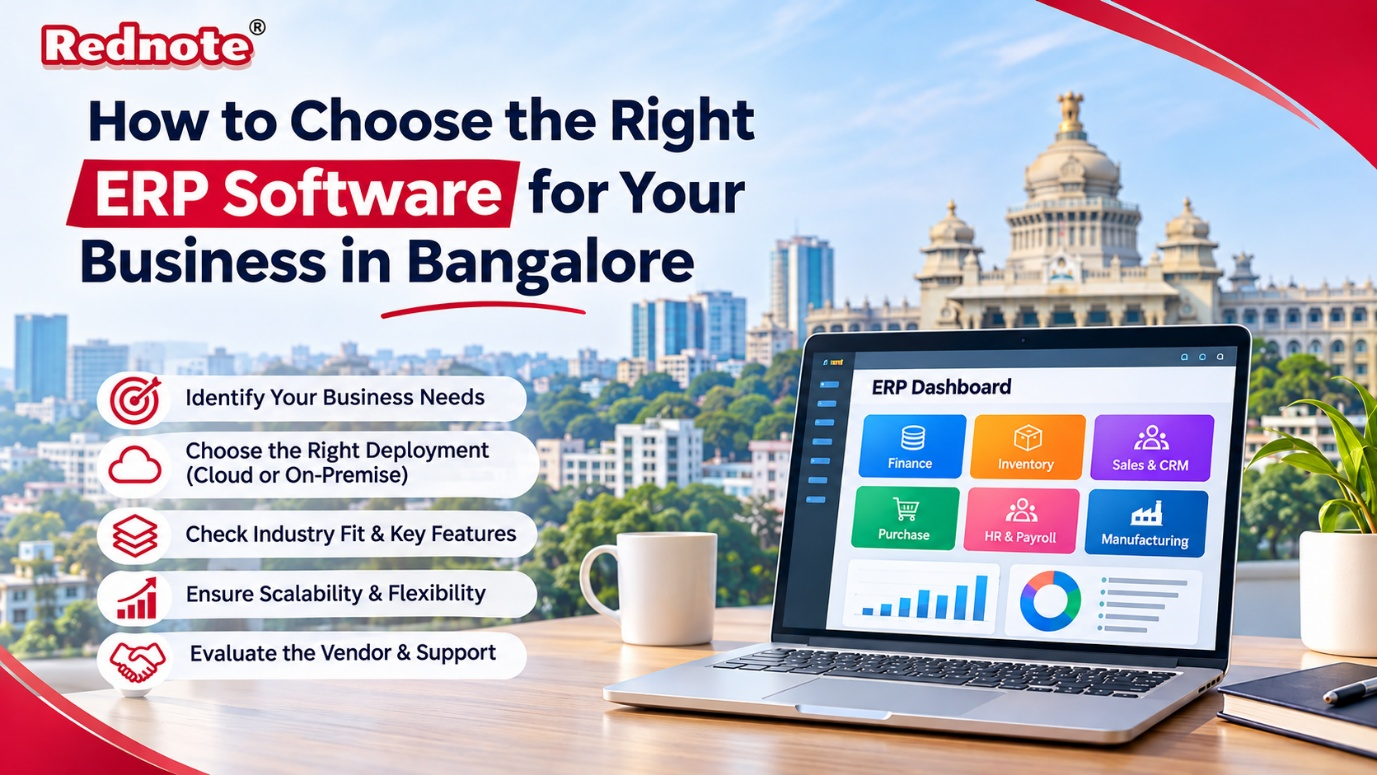
How to Choose the Right ERP Software for Your Business in Bangalore
Running a business in Bangalore means moving fast. Orders come in from three cities, your accounts team is chasing invoices, and the warehouse is guessing stock levels from a spreadsheet someone updated last week. If this sounds familiar, you probably need an ERP system. The harder part is finding the right ERP software Bangalore companies can rely on, because the wrong pick costs money, time and team morale. This guide walks you through the decision step by step, in plain language.
What Is ERP Software, in Simple Terms?
ERP stands for Enterprise Resource Planning. It is one system that connects the main parts of your business: accounting, inventory, purchasing, sales, HR, payroll and production. Instead of five different tools that don’t talk to each other, everyone works from the same live data.
When a salesperson confirms an order, the warehouse sees it instantly. When stock runs low, purchasing gets an alert. When goods are dispatched, accounts can raise the invoice without retyping anything. That is the real value of ERP: fewer errors, faster decisions and no more “which file is the latest?” confusion.
Why Bangalore Businesses Have Special ERP Needs
Bangalore is not a one-industry city. You have IT services firms, manufacturers in Peenya and Bommasandra, startups in Koramangala and HSR Layout, retailers, healthcare providers and logistics companies. Each one works differently, and a generic system rarely fits well.
There are also local factors to consider:
- GST and statutory compliance. Your ERP must handle GST returns, e-invoicing, e-way bills, TDS and Karnataka professional tax without clumsy workarounds.
- Growth speed. Bangalore companies scale quickly. A system that works for 20 employees may struggle at 200.
- Multi-location operations. Many businesses here have an office in the city, a plant on the outskirts and a sales team elsewhere. Your ERP should handle this smoothly.
- Support expectations. When something breaks at month-end, you want a vendor who can reach you the same day, not next week.
This is why local knowledge matters. A good ERP software Bangalore partner will already understand these needs, so you won’t have to explain them from scratch.
Step 1: Map Your Problems Before You Look at Software
Most ERP projects go wrong because companies start with demos instead of problems. Before you speak to any vendor, sit down with your team leads and write out:
- Which tasks eat the most time every week?
- Where do mistakes happen most often (billing, stock counts, payroll)?
- Which reports do you wish you had but can’t get easily?
- Which processes are unique to your business?
Keep this list short and honest. If your biggest pain is inventory mismatch, that should drive your choice more than a flashy dashboard.
Step 2: Decide Between Cloud and On-Premise
This is one of the first big decisions.
Cloud ERP runs on the vendor’s servers and you access it through a browser. There is no heavy hardware to buy, updates happen automatically, and your team can log in from anywhere. It suits startups, service companies and growing businesses with multiple locations.
On-premise ERP is installed on your own servers. It gives you more control and can suit manufacturers with strict data policies or unreliable internet at their plants. The trade-off is higher upfront cost and the need for in-house IT support.
Many businesses now choose cloud-based ERP software Bangalore options because of lower starting costs and easier remote access. But there is no universal answer. Decide based on your data sensitivity, internet reliability and budget.
Step 3: Check Industry Fit and Core Features
An ERP built for retail won’t serve a pharma manufacturer well. Ask every vendor for examples from your industry, and check that the core modules match your daily work:
- Finance and accounting: GST-ready invoicing, bank reconciliation, multi-currency support
- Inventory and warehouse: batch tracking, barcode support, reorder alerts
- Sales and CRM: quotations, order tracking, customer history
- Purchase: vendor management, purchase orders, approval workflows
- HR and payroll: attendance, leave, PF/ESI, payslips
- Manufacturing: bill of materials, production planning, quality checks
- Reporting: real-time dashboards you can actually understand
Don’t pay for modules you won’t use in the next two years. A good system lets you start with the essentials and add more later.
Step 4: Look at Scalability and Customisation
Your business will not look the same in three years. Ask the vendor:
- Can we add users and branches without changing the whole system?
- How easily can workflows be customised for our process?
- Does it integrate with tools we already use, such as payment gateways, e-commerce platforms or biometric devices?
Be careful with too much customisation, though. Heavy changes make upgrades painful and expensive. Use standard features wherever possible and customise only where your process truly differs.
Step 5: Understand the Real Cost
ERP pricing is rarely just the licence fee. When you compare quotes, look at the total cost of ownership:
- Licence or subscription charges
- Implementation and setup
- Data migration from your old system
- Staff training
- Customisation work
- Annual support and maintenance
- Hardware, if on-premise
Ask for a written breakdown and check what’s included. A cheap quote with expensive add-ons later is a common trap. For a small or mid-sized business, a transparent subscription model is often easier to budget for.
Step 6: Evaluate the Vendor, Not Just the Product
The software matters, but the team behind it matters more. A great product with poor implementation will still fail. When you shortlist vendors, check:
- How many similar businesses have they served?
- Can they share references you can call?
- Who will handle implementation, and how long will it take?
- What does training look like?
- What is their support response time, and is support available locally?
This is where a local provider helps. Teams like Rednote work with businesses across the city, and when you evaluate ERP software Bangalore vendors, ask each one for a live demo using your own sample data instead of a polished presentation. Speaking to people who know local compliance rules and support expectations can save you a lot of back and forth.
Step 7: Involve Your Team Early
Software doesn’t fail because of bugs alone. It fails because people don’t use it. Bring your accountants, store managers and sales staff into the evaluation. Let them test the demo and share feedback. When people feel heard, adoption is much smoother after go-live.
Plan proper training too. Even a simple system needs a few weeks before the team feels comfortable. Appoint one or two internal “champions” who can help colleagues with everyday questions.
Common Mistakes to Avoid
- Choosing on price alone. The cheapest option often costs more in the long run.
- Skipping the requirements list. Without it, demos become sales pitches.
- Rushing implementation. Going live in a hurry leads to data errors and frustrated staff.
- Ignoring data cleanup. Moving messy data into a new system just moves the mess.
- No post-launch support plan. The first three months are when you need help most.
A Simple Checklist Before You Sign
- Does it solve the top problems on our list?
- Is it GST and compliance ready?
- Can it grow with us for at least five years?
- Is the total cost clear and within budget?
- Does the vendor offer reliable local support?
- Has our team seen it and approved it?
Final Thoughts
Choosing an ERP is a business decision, not just an IT purchase. Take your time, define your needs clearly, compare vendors fairly and test before you commit. When you are ready to explore options, start with trusted ERP software Bangalore providers, ask for a demo built around your own workflow, and you will be well placed to pick a system that supports your growth for years. If you’d like to talk it through with a local team, visit Rednote.in to get started.