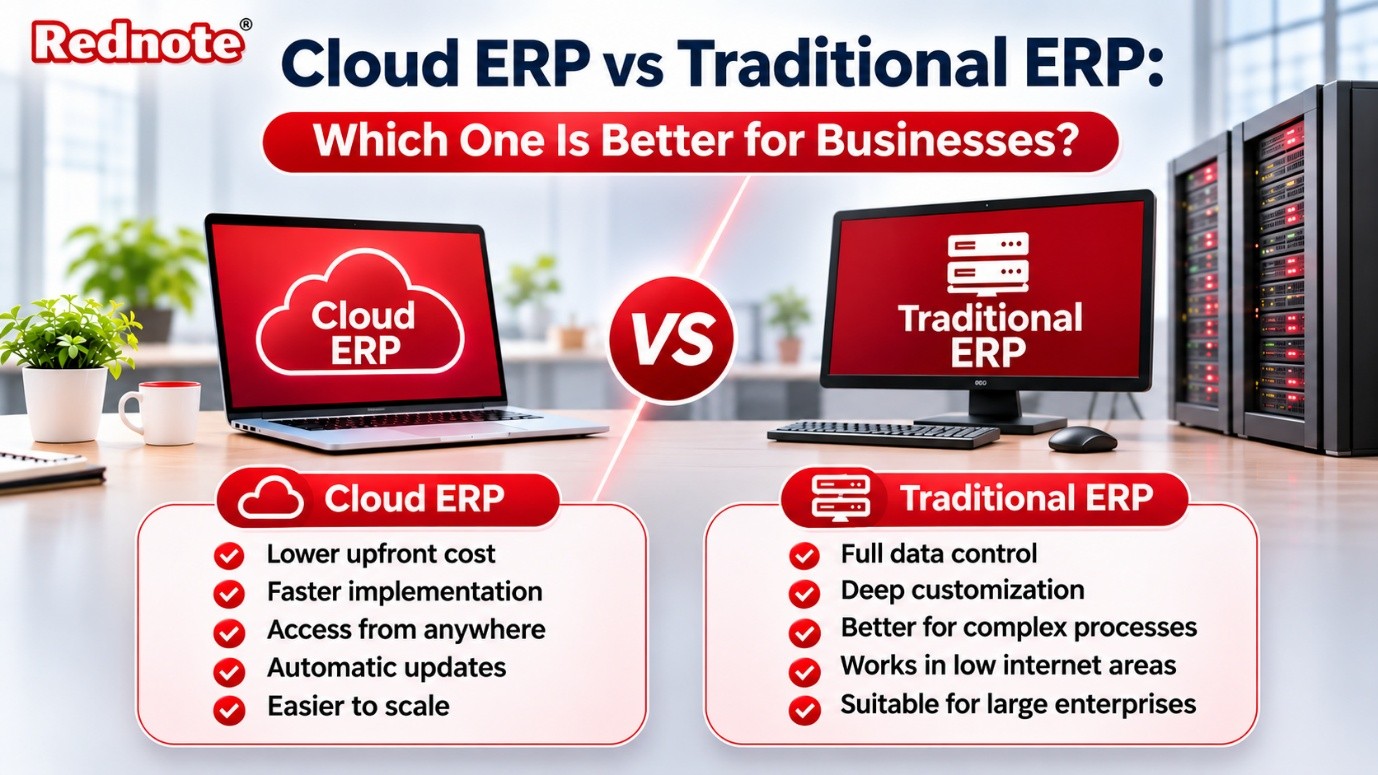
Cloud ERP vs Traditional ERP: Which One Is Better for Businesses?
Every growing business reaches a point where spreadsheets, disconnected billing tools and WhatsApp follow-ups stop working. Stock numbers don't match, accounts take days to close, and nobody has one clear picture of the business. If you have started looking at ERP software Chennai options, you have probably hit a second question quickly: should you go for a cloud ERP or stay with a traditional, on-premise system?
There's no one-size-fits-all answer, but there is a right answer for your business. Let's go through the differences in plain terms.
What Is Traditional ERP?
Traditional ERP, also called on-premise ERP, is installed on your own servers inside your office or factory. You buy the software license, set up the hardware, hire or assign an IT team, and manage everything yourself. Updates, backups, security patches and server repairs are all your responsibility.
Many manufacturers and long-established companies still run this way, and for good reason. It gives you full control over your data and system. For years, it was the only option available.
What Is Cloud ERP?
Cloud ERP runs on remote servers managed by the software provider. You log in through a browser or app, and you usually pay a monthly or yearly subscription instead of a large upfront license fee. The vendor handles hosting, updates, backups and security.
Because there is no server room to build, a business can start using it within weeks. That is a big reason cloud ERP has become popular with small and mid-sized companies.
Cost: Upfront vs Ongoing
Cost is usually the first thing business owners compare.
A traditional ERP needs a large initial investment. You pay for licenses, servers, networking equipment, installation and often a dedicated IT person. Once it's running, the ongoing costs are lower, but you still pay for maintenance contracts, upgrades and hardware replacement every few years.
Cloud ERP flips this model. The upfront cost is small, and you pay a predictable subscription. That's easier on cash flow, especially for a growing business. The catch is that subscriptions never end. Over five to ten years, a cloud system can cost as much as, or more than, an on-premise one, depending on your user count.
So the honest answer is that cloud is cheaper to start, and traditional can be cheaper in the long run if you already have the infrastructure and IT staff.
Implementation Speed
Setting up a traditional ERP can take several months. Hardware has to be ordered and configured, software installed, and data migrated before anyone can use it.
Cloud ERP is much faster. The infrastructure is already in place, so the work is mostly configuring modules, importing data and training your people. Many businesses go live in a few weeks. If you are in a hurry, this matters.
Security and Data Control
This is where opinions are strongest, and where many myths exist.
Traditional ERP keeps your data on your premises. You decide who has access and where backups are stored. For businesses with strict compliance needs or sensitive production data, that peace of mind is valuable.
Cloud ERP providers invest heavily in security, including encryption, firewalls, regular audits and automatic backups. Honestly, most small businesses can't match that level of protection on their own servers. A single power cut, flood or ransomware attack can wipe out an unprotected in-house system.
Neither option is automatically safer. An unpatched on-premise server is riskier than a well-run cloud platform, and a poorly chosen cloud vendor is riskier than a well-managed local server. What counts is how well it's managed.
Customization and Flexibility
Traditional ERP wins here. Because the software sits on your servers, it can be modified deeply to match unusual workflows. A manufacturing unit with complex production stages or special costing rules often needs that level of customization.
Cloud ERP offers configuration rather than deep customization. Modern cloud platforms are quite flexible, with custom fields, workflows and integrations, but there are limits because many customers share the same core system. For most businesses with standard processes, those limits are never a problem.
Accessibility and Remote Work
Since 2020, remote and hybrid work has changed how companies operate. Cloud ERP lets your sales team update orders from a client's office, your accountant approve invoices from home, and you check reports from your phone while travelling.
Traditional ERP can offer remote access through VPNs, but it's slower to set up and harder to maintain. If you have multiple branches, warehouses or field staff, the cloud has a clear advantage.
Updates and Maintenance
With on-premise ERP, updates are manual. Many companies postpone them because of the downtime and cost, and end up running outdated software for years. That creates compatibility and security problems later.
Cloud ERP updates arrive automatically, usually in the background. You always have the latest features and fixes without scheduling a big upgrade project. The trade-off is that you can't always control when a change happens, though most vendors give advance notice.
Scalability
Suppose your company doubles in size next year. With cloud ERP, you add users or modules and adjust your plan. It's quick and doesn't need new hardware.
With traditional ERP, growth means upgrading servers, buying more licenses and possibly re-implementing parts of the system. It can be done, but it's slower and more expensive.
Which Type of Business Should Choose What?
Here is a simple way to think about it.
Cloud ERP usually suits:
- Small and mid-sized businesses watching cash flow
- Companies with multiple locations or remote teams
- Startups and fast-growing trading or service firms
- Businesses without a dedicated IT team
Traditional ERP usually suits:
- Large manufacturers with highly specialized processes
- Companies with strict data residency or compliance rules
- Businesses that have already invested in servers and IT staff
- Organizations in areas with unreliable internet access
If you are a growing company comparing ERP software Chennai vendors, cloud ERP is often the more practical starting point, because it removes infrastructure worries and lets you focus on running the business. Still, your industry and processes should drive the decision, not the trend.
Questions to Ask Before You Decide
Before signing anything, sit down with your team and answer these honestly:
- How many people will use the system, and will that number grow?
- Do we have in-house IT support, or will we depend on the vendor?
- How reliable is our internet connection at every location?
- Which processes are unique to us, and can they be handled by configuration?
- What is our budget for the first year, and for the next five years?
Also ask vendors about data ownership, export options, support response times and training. A good ERP is only as good as the support behind it.
The Local Support Factor
Software is only half the story. Implementation is where most ERP projects succeed or fail. A vendor that understands local business practices, GST requirements, regional reporting needs and your industry will save you a lot of trouble. Being able to call someone who can visit your office, or speak your language, makes a real difference during rollout.
This is why many businesses prefer working with a nearby implementation partner. If you want to see what a local team can offer, ERP software Chennai solutions from providers like rednote.in are worth looking at for hands-on guidance and post-launch support.
Can You Move From Traditional to Cloud Later?
Yes, and many companies do. Migration needs planning, including data cleanup, user training and a period of parallel running, but it's very doable. Some businesses even choose a hybrid approach, keeping a few sensitive functions on-premise while moving sales, HR or finance to the cloud.
If you are unsure, start with a pilot. Move one department or one branch first, see how it works, then expand. This reduces risk and gives your team time to adapt.
Common Mistakes to Avoid
- Choosing only on price. The cheapest option often costs more through poor support or missing features.
- Skipping staff training. Even the best ERP fails if people don't use it properly.
- Ignoring future growth. Pick a system that can handle where you will be in three to five years.
- Not defining requirements first. Write down your processes before you see a demo, so you judge the software on your needs and not on a polished sales pitch.
Choosing What Fits Your Business
Cloud ERP and traditional ERP are both proven, reliable systems. Cloud offers speed, lower starting costs, easy access and automatic updates. Traditional offers deep customization and full control over your environment. The better choice depends on your size, budget, industry, IT capability and growth plans.
Take your time, involve the people who will use the system every day, and ask for a live demo using your own data. If you would like practical guidance from a local team, you can explore ERP software Chennai services at rednote.in and see how a well-implemented ERP can bring order to your operations.