



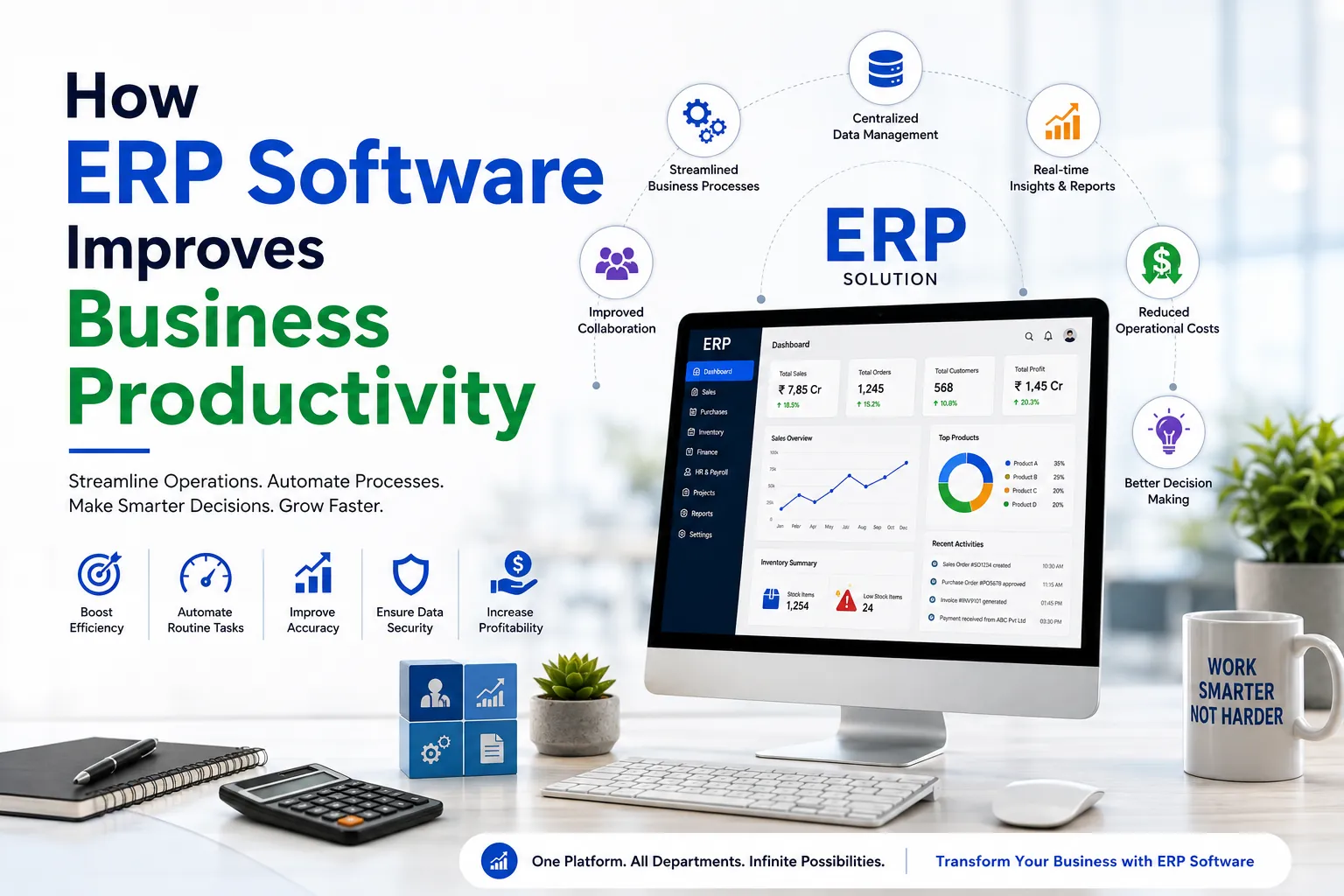
How ERP Software Improves Business Productivity
Managing a growing business becomes difficult when teams rely on separate tools, spreadsheets, and disconnected processes. Sales may not have real-time inventory updates, finance teams may struggle to track current figures, and HR may spend hours managing employee data manually. ERP software helps solve these challenges by bringing essential business operations together in one centralized system.
Enterprise Resource Planning (ERP) software connects key functions such as finance, sales, inventory, human resources, procurement, and operations. By keeping business data in one place, ERP systems reduce manual work, improve communication between departments, and help teams make faster, more informed decisions.
For businesses looking to improve efficiency and support long-term growth, ERP software can simplify daily operations while giving managers better visibility into overall performance.
What Is ERP Software?
ERP stands for Enterprise Resource Planning. It's a single software system that manages and connects a company's essential processes, accounting, inventory, order management, HR, procurement, and customer data, so information flows automatically between departments instead of sitting in disconnected spreadsheets or standalone apps.
Instead of finance pulling numbers from one tool, the warehouse checking stock in another, and sales working off a report that's already out of date, ERP puts every team on the same data, updated in real time.
Why Productivity Is a Bigger Priority Than Ever
Businesses today are expected to do more with leaner teams. Customers want faster responses, accurate order tracking, and quick support. Competing on price alone rarely works anymore, so operational efficiency has become a genuine competitive edge.
Every hour an employee spends reconciling numbers between two systems, or chasing an approval over email, is an hour not spent on growth. ERP software directly targets this kind of waste. That's really what "productivity" means in a business context: getting more useful output from the same number of hours.
Signs Your Business May Be Ready for ERP Software
Not sure if this applies to you? These are common signs it's time to look into it:
- You're juggling four or more disconnected tools just to run daily operations
- Reports take days to compile and are outdated the moment they're ready
- Inventory counts on paper don't match what's actually on the shelf
- Different departments seem to have different versions of the "truth"
- Your team spends more time entering data than analyzing it
- The same customer or order information gets typed into multiple systems by hand
If two or more of this sound familiar, an ERP system could save your team real hours every single week.
How ERP Software Improves Business Productivity
1. Centralizes Data Across Departments
When finance, sales, HR, and inventory all pull from the same database, nobody wastes time reconciling numbers across five different spreadsheets. Everyone works from the same accurate, real-time information, which cuts down on miscommunication and duplicate data entry almost immediately.
2. Automates Repetitive Tasks
Invoice generation, purchase orders, payroll runs, stock level updates, most ERP systems automate the tasks that quietly eat up hours every week. That frees your team to focus on work that actually needs human judgment instead of repetitive admin.
3. Improves Decision-Making with Real-Time Reports
Instead of waiting for a monthly report to understand how the business is performing, managers get live dashboards covering sales trends, cash flow, inventory levels, and production status. Faster access to accurate data means faster, more confident decisions.
4. Reduces Manual Errors
Manual data entry is one of the most common sources of costly mistakes, wrong invoice totals, missed stock counts, duplicate customer records. ERP systems cut down on human error by automating data transfer between departments and flagging inconsistencies before they turn into expensive problems.
5. Strengthens Team Collaboration
When departments aren't working out of isolated tools, collaboration gets a lot easier. A sales rep can check real stock levels before promising a delivery date. Finance can see project costs building up in real time instead of finding out when the invoice lands.
6. Streamlines Inventory and Supply Chain Management
ERP software tracks stock levels, reorder points, and supplier performance automatically. This cuts down on both stockouts and overstocking, two problems that quietly drain profitability in any product-based business.
7. Speeds Up Financial Management
Automated invoicing, expense tracking, and financial reporting mean your accounts team spends less time on manual entry and more time on actual analysis. Month-end closing, which can drag on for days with manual processes, often shrinks down to hours with the right ERP system in place.
8. Scales With Your Business
A good ERP system grows with you. Adding new users, new locations, or new product lines doesn't mean rebuilding your systems from scratch. It usually just means switching on another module.
Manual Processes vs ERP-Powered Processes
| Business Process | Without ERP (Manual) | With ERP Software |
|---|---|---|
| Data Entry | Repeated across multiple tools, higher error rate | Entered once, shared automatically across departments |
| Inventory Tracking | Manual counts, delayed updates | Real-time stock visibility with automated reorder alerts |
| Financial Reporting | Takes days, prone to errors | Instant dashboards, automated reports |
| Order Processing | Multiple manual handoffs via email or spreadsheets | Automated workflow from order to delivery |
| Team Communication | Siloed, inconsistent data across departments | One centralized system accessible to all relevant teams |
Pro Tip: Don't switch on every ERP module at once. Start with the two or three areas causing the most pain, usually finance and inventory, get your team comfortable, then expand from there. Businesses that try to implement everything on day one almost always see lower adoption and more pushback from staff.
Key Features to Look for in a Productivity-Focused ERP
Not all ERP systems are built the same. When comparing options, prioritize:
- Cloud accessibility – Your team should be able to securely access data from anywhere, not just the office.
- Real-time dashboards – Decisions shouldn't have to wait for someone to generate a report.
- Workflow automation – Look for built-in automation for approvals, invoicing, and notifications.
- Mobile support – Field teams and remote staff need access on the go.
- Third-party integrations – Your ERP should connect with your CRM, payment gateway, and existing tools, not force you to replace everything overnight.
- Scalability – Choose a system built for where your business will be in three years, not just where it is today.
How to Implement ERP Without Losing Productivity in the Process
1. Define clear goals first. Know exactly which problems you're solving, slow reporting, inventory errors, disconnected teams, before you start comparing software.
2. Choose a system built for your industry. A manufacturing business has very different needs from a services company, and generic software rarely fits either one perfectly.
3. Plan your data migration carefully. Clean, accurate data going in means a smoother, more reliable system from day one.
4. Train your team properly. ERP software is only as productive as the people using it. Rushed training is one of the biggest reasons ERP rollouts fail to deliver results.
5. Review and optimize after go-live. Most businesses only use a fraction of their ERP's capabilities in year one. Revisit your setup every few months to unlock more of what you're already paying for.
ERP software isn't just about replacing spreadsheets. It's about giving your business one accurate version of the truth, and giving your team back the hours that used to disappear into manual admin work. Businesses that roll out ERP thoughtfully, with clear goals and proper training, consistently see faster reporting, fewer errors, and teams that spend more time on growth instead of data chasing.
If your business is still juggling disconnected tools and manual processes, it's worth exploring what the right ERP system could do for your productivity, and your bottom line.

