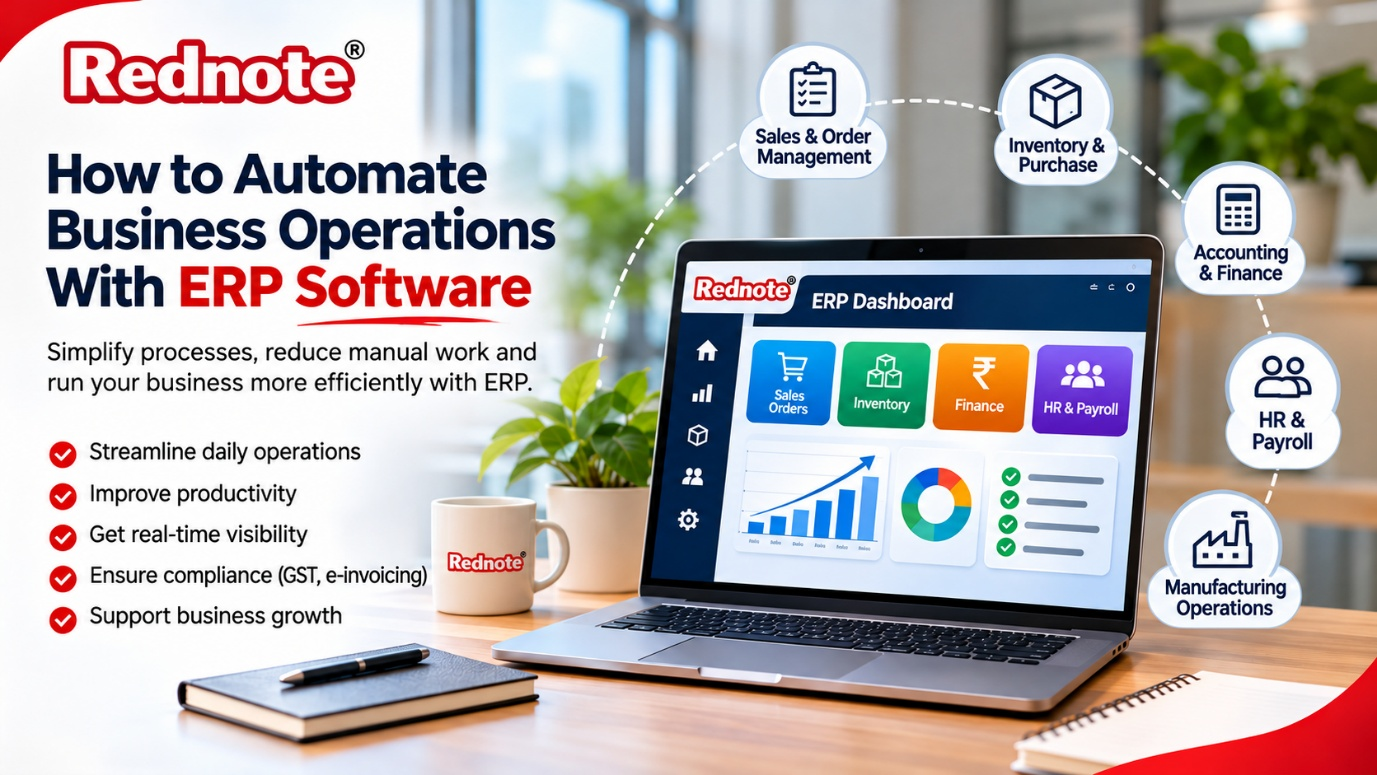
How to Automate Business Operations With ERP Software
If your team still depends on spreadsheets, WhatsApp messages and paper registers to run daily work, you already know the pain. Orders get missed, stock numbers never match, and month-end reports take days to put together. The good news is that ERP software can take most of that repetitive work off your team’s plate and give you one reliable place to see what is happening in your business.
In this guide, we will walk through what automation with ERP really means, which processes you should automate first, and how to set it up without disrupting your day-to-day work.
What Does “Automating Operations” Actually Mean?
Automation does not mean replacing your people. It means removing the manual steps that waste their time.
Think about a simple sales order. Without automation, someone enters it in a register, someone else checks stock, a third person raises an invoice, and finally accounts updates the books. Each handoff is a chance for a mistake or a delay.
With automation, the order is entered once. Stock is checked instantly, the invoice is generated, the inventory is reduced and the accounting entry is posted, all without anyone retyping the same data. Your team spends its time on decisions and customers instead of data entry.
How an ERP System Makes This Possible
An ERP system connects every department to a single database. Sales, purchase, inventory, production, HR and accounts all read from and write to the same source. When something changes in one area, the rest of the system updates on its own.
This is the key difference from using separate tools for each department. When your billing app, stock sheet and accounting package do not talk to each other, a person has to carry information between them. An ERP removes that person from the loop, and with them the delays and errors.
Processes You Can Automate With ERP
You do not need to automate everything on day one. These are the areas where most businesses see quick results.
1. Sales and Order Management
Quotations, sales orders, delivery challans and invoices can all flow from one another with a single click. You can also set up automatic payment reminders so your team does not have to chase customers one by one.
2. Inventory and Purchase
Set minimum stock levels for every item. When stock falls below that level, the system can raise a purchase request or alert the purchase team. This helps you avoid both stock-outs and the cash locked up in excess inventory.
3. Accounting and Finance
Every sale, purchase and expense posts to the ledger automatically. GST calculations, e-invoicing and e-way bills can be generated from the same transaction data. Month-end closing becomes a matter of hours instead of days.
4. HR and Payroll
Attendance, leave and salary calculations can be linked together. Payslips, PF and ESI deductions get calculated on their own, which cuts down the monthly payroll scramble.
5. Reporting and Approvals
Instead of waiting for someone to compile a report, managers can see live dashboards for sales, collections, stock and expenses. Approval workflows for purchase orders, discounts or leave requests can be routed to the right person automatically, so nothing sits on a desk for days.
Automation in Manufacturing
Factories have more moving parts than most businesses, which is why automation pays off even more here. A good manufacturing ERP software handles bills of material, production planning, work orders, machine scheduling, quality checks and costing in one place. If you run a plant, choosing ERP software for manufacturing company needs means looking for features such as material requirement planning, batch and serial tracking, and shop floor reporting.
For example, once a production order is released, the system can calculate the raw material required, check what is available, flag shortages and even create purchase requests for the gap. When finished goods are booked, the cost of production is calculated automatically. This gives you a clear picture of your margins on each product, which is very hard to get from manual records.
Why ERP Automation Matters for Indian Businesses
Indian businesses deal with a specific set of compliance and operational needs, including GST, TDS, e-invoicing, multi-state operations and a wide mix of customers and suppliers. Using ERP software India that is built around these local requirements saves you from awkward workarounds and costly add-ons.
Local support also matters more than most buyers expect. When your billing run is stuck at 6 pm on a month-end, you want a team that understands your business, speaks your language and answers the phone. You can read more about solutions built for local needs at rednote.in.
Step-by-Step: How to Start Automating With ERP
Step 1: Map Your Current Process
Before you buy anything, write down how work actually flows today. Where do orders come in? Who approves what? Where do delays happen? This exercise alone often reveals problems you did not know you had.
Step 2: Pick the Pain Points First
Choose two or three processes that cost you the most time or money. It could be slow invoicing, inventory mismatches or delayed collections. Start there and expand later.
Step 3: Choose the Right Vendor and Modules
Look for a vendor who asks about your business before talking about features. Check that the software supports your industry, handles Indian taxation, and can grow as you add users, branches or products.
Step 4: Clean Your Data
Messy data creates messy automation. Before you migrate, fix duplicate customers, outdated item codes and wrong opening balances. It is boring work, but it saves a lot of trouble later.
Step 5: Train Your Team
The best system fails if people do not use it. Run short, role-based training sessions, and let your team practise with real examples. Name one or two people as internal champions who can help others.
Step 6: Go Live in Phases
Rather than switching everything overnight, start with one department or one branch. Fix the issues, then roll out to the rest. This keeps your business running smoothly during the change.
Step 7: Review and Improve
After a few months, look at the reports. Which tasks are still manual? Where are approvals getting stuck? Automation is not a one-time project; you keep refining it as your business grows.
Common Mistakes to Avoid
- Automating a broken process. If the process is confusing on paper, automating it only makes the confusion faster. Simplify first.
- Skipping user training. Staff who do not understand the system go back to spreadsheets.
- Buying too much too soon. Start with the modules you need and add more later.
- Ignoring support and updates. Tax rules and business needs change, so your vendor must keep up.
- Not involving department heads. The people who do the work know where the real problems are.
Benefits You Can Expect
When ERP automation is done well, businesses typically notice:
- Fewer data entry errors and less rework
- Better inventory accuracy and lower holding costs
- Quicker, cleaner compliance and tax filing
- Real-time visibility for owners and managers
- More time for your team to focus on customers and growth
Final Thoughts
Automating your operations is not about chasing technology for its own sake. It is about giving your team the right tools so that routine work happens on its own and decisions are made on facts, not guesses. Start small, pick the processes that hurt the most, and build from there. If you are comparing options, look for the best ERP software that fits your industry, your budget and your growth plans, and talk to the team at rednote.in to see how it could work for your business.