



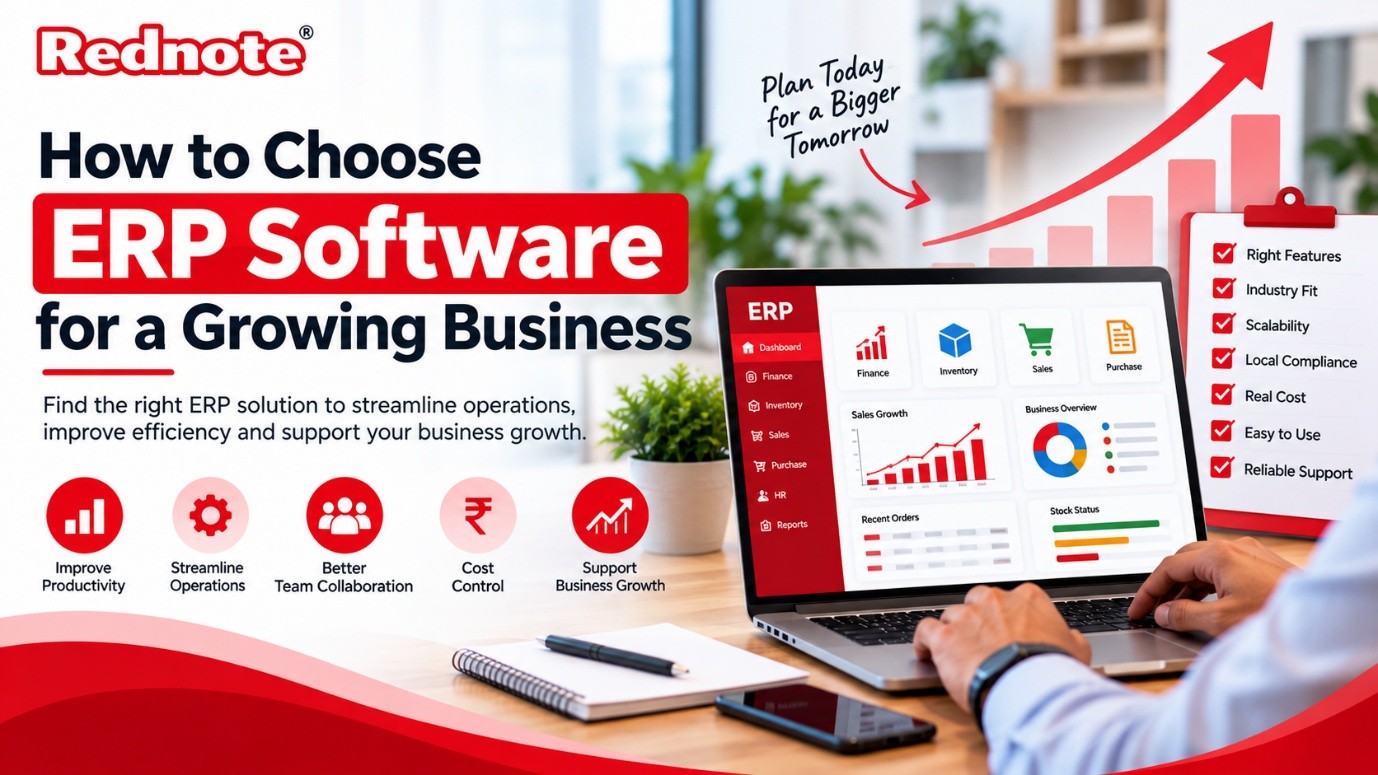
How to Choose ERP Software for a Growing Business
Every growing business reaches the same point. Orders increase, the team expands, and suddenly the spreadsheets that worked so well last year start to crack. Stock numbers don’t match, invoices go out late, and nobody is sure which version of the sales report is correct. This is usually the moment owners start looking at ERP software, and it’s also the moment many of them make an expensive mistake by choosing in a hurry.
This guide walks you through the decision in plain language, so you can pick a solution that fits your business today and still works when you are twice the size.
Understand What a Good ERP System Should Cover
At its core, an ERP system brings your main business functions onto one shared database. Finance, inventory, purchasing, sales, HR and production all read from and write to the same source, so nobody has to re-enter data or chase a colleague for the latest figures.
For a growing company, the essentials usually include accounting and GST-ready billing, inventory and warehouse control, purchase and vendor management, sales and customer records, and reporting that managers can actually use. Anything beyond that, such as quality control, CRM, or payroll, is worth asking about, but don’t pay for modules you won’t touch in the next two years. A good system lets you add them later.
Think About Growth Before You Sign
This is where many businesses go wrong. They buy for the size they are now, and within eighteen months they are fighting the software.
Ask the vendor direct questions. What happens when we go from 20 users to 100? Can we add a second plant or a new branch without a big new project? Does the pricing jump sharply as we grow? Can the system handle higher transaction volumes without slowing down?
Also check how flexible it is. Your processes will change as you grow, and you shouldn’t need a developer for every small adjustment to a form, a workflow, or an approval rule.
Pick a Solution That Understands Your Industry
A generic tool can cover the basics, but every industry has its own quirks. A retailer cares about fast-moving stock and multiple outlets. A service company cares about project billing and timesheets. A factory cares about what goes on the shop floor.
If you run a factory, look specifically at manufacturing ERP software. It should handle bills of materials, production planning, work orders, raw material tracking, and scrap or wastage, which basic accounting tools simply don’t cover. Without these, you will end up running production on a separate spreadsheet again, and the whole point of the exercise is lost.
When you shortlist vendors, ask for examples of customers in your line of work. Better still, ask to speak to one. A short phone call with a similar business will tell you more than any brochure.
Take your own production reality into account too. If you make to order, track batches, or run multiple stages of assembly, your needs are different from a company that makes standard goods in bulk. The right ERP software for manufacturing company operations should let you plan material needs from actual orders, track costs per job, and show you where time and money leak out between the first cutting step and final dispatch.
Check Local Compliance and Support
Indian businesses have compliance needs that global products sometimes handle poorly. GST returns, e-invoicing, e-way bills, TDS, and state-wise tax rules all need to work properly out of the box, not through awkward workarounds.
This is one reason many owners prefer ERP software India providers who build with these rules in mind. Local vendors also tend to be easier to reach. When month-end is close and a GST report isn’t matching, you want a support team in your time zone that speaks your language and picks up the phone.
Ask how quickly the vendor updates the product when tax rules change. It is a small question that reveals a lot about how seriously they take the Indian market.
Be Honest About the Real Cost
The licence or subscription price is only part of what you will pay. Look at the full picture:
- Implementation and setup fees
- Data migration from your old system
- Training for your staff
- Customisation work
- Annual support and upgrade charges
- Extra costs for additional users, locations, or modules
Ask every vendor for a written quote that covers all of these, so you can compare like with like. A cheaper product with heavy customisation costs can end up more expensive than a slightly pricier one that works properly from day one.
On the cloud versus on-premise question, cloud-based systems have become the default for most growing businesses. You avoid buying servers, updates happen automatically, and your team can log in from the office, home, or the road. On-premise still makes sense for a few companies with strict data or connectivity needs, but you should know why you are choosing it.
Look at Ease of Use
The best system on paper is useless if your people refuse to use it. During the demo, notice how many clicks common tasks take. Is the screen clean or cluttered? Could your storekeeper, who isn’t a computer person, learn it in a few days?
Adoption is the hidden reason ERP projects fail. Involve the people who will use the system daily in the selection process. They will spot practical problems that managers miss, and they will feel ownership instead of resistance when the system goes live.
Run a Proper Evaluation
Once you have two or three vendors on your shortlist, go a step beyond the standard demo.
Give each vendor a real scenario from your business, with your own data if possible, and ask them to walk through it. Request a trial or pilot. Check references. Read the contract carefully, especially clauses about data ownership, exit terms, and support response times.
Then plan the rollout. Most businesses do better with a phased approach, starting with finance and inventory and adding other modules once the team is comfortable, rather than switching everything overnight. Assign one internal person as the project owner so decisions don’t get stuck.
A Quick Checklist Before You Decide
Before you sign anything, make sure you can answer yes to these questions:
- Does it solve the top problems we listed at the start?
- Will it scale with us for the next five years?
- Is it built for our industry and our compliance needs?
- Do we understand the total cost, not just the licence fee?
- Did our own team test it and feel comfortable with it?
- Is the vendor’s support responsive and reliable?
Final Thoughts
Choosing the right software is less about finding a perfect product and more about finding the right fit for how your business works and where it is heading. Take your time, involve your team, and stay focused on your real problems rather than flashy features.
If you are comparing the best ERP software options for your company, it helps to speak with a provider that can show you a working setup for your industry. You can explore what’s available at rednote.in and see how a best ERP software solution could simplify your operations as you grow.

