



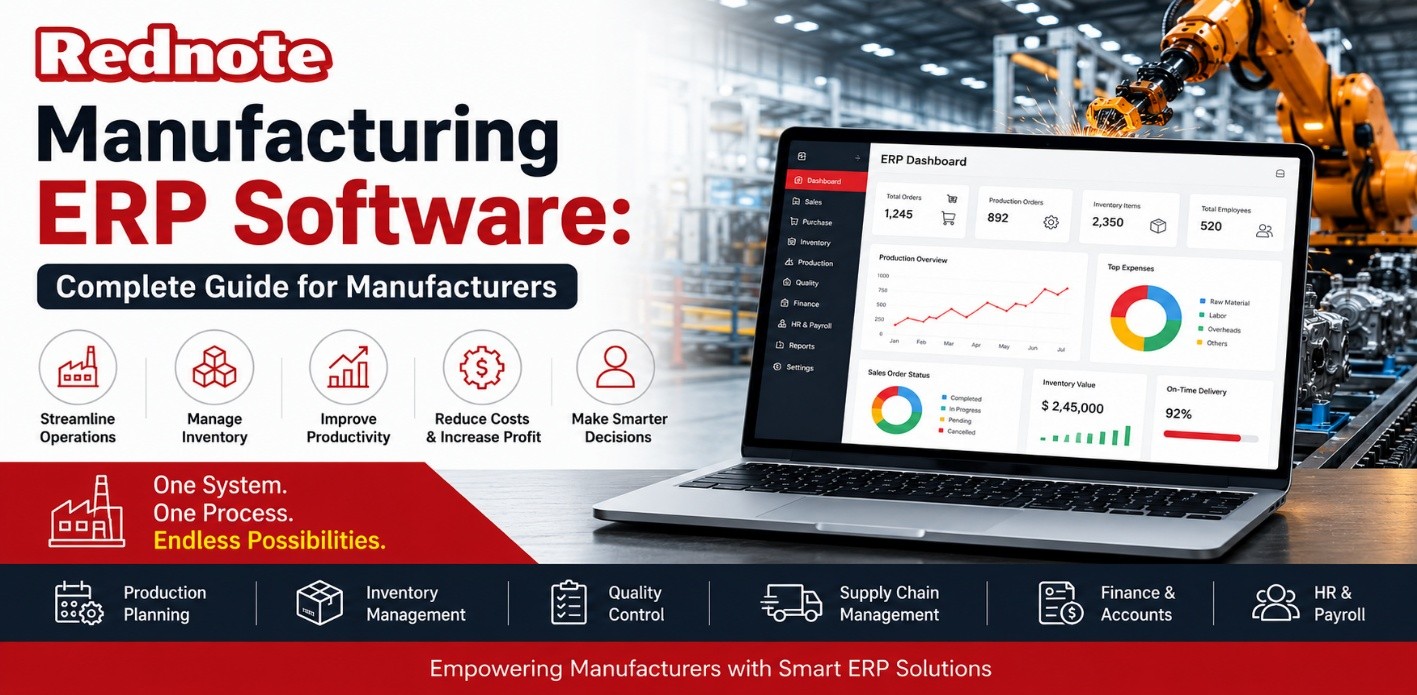
Manufacturing ERP Software: Complete Guide for Manufacturers
Run a manufacturing business long enough and you'll recognize the pattern: production delays nobody saw coming, inventory counts that never quite match the warehouse, and a finance team reconciling numbers from five disconnected spreadsheets before every review. Most of that isn't a people problem — it's a systems problem. Manufacturing ERP software connects production planning, inventory, procurement, quality control, and finance into one shared system, so every department works off the same real-time numbers instead of five different versions of the truth.
Manufacturing is now the single largest vertical for ERP spending, holding roughly 19.7% of the global market, according to Grand View Research. Cloud deployment has become the default too — cloud-based manufacturing ERP now accounts for more than 80% of new deployments as of 2026, per industry analysis from MIE Solutions. This guide covers what manufacturing ERP software actually does, which features matter, how to choose a platform, and what a realistic implementation timeline looks like.
What Is Manufacturing ERP Software?
Manufacturing ERP Software (Enterprise Resource Planning) is a business management system built specifically for the production side of a company, not just the back office. General-purpose ERP handles finance, HR, and sales. Manufacturing ERP Software does all of that plus the functions that matter on the shop floor, including bill of materials (BOM) management, production scheduling, shop floor control, material requirements planning (MRP), and quality tracking.
The difference matters. A generic ERP system can track that you sold 500 units. Manufacturing ERP Software can track what raw materials went into those 500 units, which machine and shift produced them, whether they passed quality checks, and what it actually cost to manufacture each unit. This level of production-specific detail is what separates manufacturing ERP Software from a repurposed accounting or retail system.
Why Manufacturers Need ERP Software
Manufacturers that delay ERP adoption usually aren't avoiding the cost — they're avoiding the disruption. But staying on disconnected systems tends to cost more in ways that don't show up until year-end. Here's what a properly implemented ERP system fixes:
- Real-time inventory visibility Know exact raw material and finished goods counts across every warehouse, instead of relying on last week's cycle count.
- Accurate production scheduling Plan machine and labor capacity based on actual demand, not gut feel, cutting idle time and rush orders.
- Lower operational costs Automating purchasing, inventory reordering, and reporting removes hours of manual data entry and the errors that come with it.
- Better demand forecastingHistorical sales and production data feed forecasting models, so you order materials closer to when you'll actually need them.
- Regulatory and quality compliance Built-in traceability makes audits, recalls, and certifications (ISO, FDA, GMP) far less painful.
- Data-driven decisions One source of truth means leadership is working off the same numbers as the shop floor.
Each of these compounds. A plant that fixes scheduling alone often uncovers inventory savings it didn't know it had.
Core Features to Look For in Manufacturing ERP Software
Not every ERP platform is built for production. When evaluating options, prioritize these manufacturing-specific modules over generic business features:
- Bill of Materials (BOM) management — Track every component, sub-assembly, and revision that goes into a finished product.
- Production and shop floor scheduling — Visual scheduling tools that account for machine capacity, labor shifts, and material availability.
- Material Requirements Planning (MRP) — Automatically calculates what to order, how much, and when, based on production plans.
- Inventory and warehouse management — Multi-location tracking, lot/serial traceability, and barcode or RFID support.
- Quality management — Inspection checklists, non-conformance tracking, and audit trails tied to specific production runs.
- Supply chain and procurement — Vendor management, purchase order automation, and supplier performance tracking.
- Financial management — Job costing, general ledger, and margin tracking down to the individual work order.
- Reporting and analytics dashboards — Real-time KPIs on OEE (Overall Equipment Effectiveness), scrap rates, and on-time delivery.
If a platform is missing BOM management or MRP, it isn't really a manufacturing ERP — it's a general ERP with a manufacturing label.
Types of Manufacturing ERP Deployment: Cloud vs. On-Premise vs. Hybrid
Where your ERP Software lives changes the cost structure, IT burden, and how quickly you can scale. Cloud-based ERP Software has become a popular choice for manufacturers, but it is not automatically the right option for every plant, especially those with strict data residency requirements or legacy machine integration needs.
| Factor | Cloud ERP | On-Premise ERP | Hybrid ERP |
|---|---|---|---|
| Upfront Cost | Low (subscription-based) | High (licenses + servers) | Moderate |
| Ongoing Maintenance | Handled by vendor | Managed by in-house IT | Shared |
| Scalability | Easy — add users/modules anytime | Requires hardware upgrades | Flexible |
| Accessibility | Anywhere, any device | On-site or VPN only | Mixed |
| Data Control | Vendor-hosted | Full in-house control | Partial control |
| Customization | Moderate | High | High |
| Best For | Growing manufacturers, multi-site plants | Regulated industries, legacy systems | Plants transitioning to cloud |
Cloud-based deployment now makes up more than 80% of new manufacturing ERP implementations, largely because it removes the server maintenance burden and lets multi-plant operations see the same data in real time. On-premise still holds ground in defense, pharmaceuticals, and other tightly regulated sectors where data has to stay on-site.
How to Choose the Right ERP Software for Your Manufacturing Business
Most ERP selection mistakes happen before the demo, when a business picks a platform based on brand recognition instead of fit. Work through these questions first:
- What's actually broken today? List your top 3 operational pain points before you look at a single vendor.
- Does it support your production type? Discrete, process, batch, and mixed-mode manufacturing need different scheduling logic — not every ERP handles all of them well.
- Can it scale with you? Check pricing for adding users, locations, or modules 2–3 years out, not just at signup.
- What does integration cost? Factor in connecting the ERP to existing machines, CRM, or e-commerce platforms.
- What's the real implementation timeline? Vendors quote best-case. Ask for a reference client in your industry and company size.
- What does support look like after go-live? Response times and account management matter more once you're live than during the sales process.
Pro Tip: Before you sit through a single ERP demo, map your actual production workflow on paper — bottlenecks, workarounds, and all. Vendors will show you their best-case workflow. You need to know whether it survives contact with your worst-case shift on the shop floor.
Manufacturing ERP Implementation: What to Expect
Implementation is where many ERP Software horror stories begin, and the data shows why. According to Panorama Consulting Group, discrete manufacturing ERP projects fail to meet their objectives 73% of the time, with average cost overruns of 215%. That is not a reason to avoid ERP Software; it is a reason to plan the implementation and rollout carefully.
A realistic implementation typically runs through:
- Discovery and planning (4–8 weeks) — Mapping current workflows, setting goals, and assigning an internal project owner.
- System configuration (6–12 weeks) — Setting up BOMs, workflows, user roles, and integrations.
- Data migration (4–8 weeks) — Moving inventory, customer, and historical production data — usually the most error-prone stage.
- Testing and training (3–6 weeks) — Running parallel with existing systems before cutover, and training shop floor staff, not just office staff.
- Go-live and stabilization (4–8 weeks) — Close monitoring, quick fixes, and a support plan for the inevitable early issues.
Most mid-sized manufacturers should budget 6–12 months from kickoff to a stable go-live, not the 3-month timeline some vendors pitch.
Common ERP Implementation Challenges (and How to Avoid Them)
- Shop floor resistance — Operators who've run a process manually for 15 years won't trust a screen overnight. Involve them in configuration, not just training.
- Underestimating data migration — Dirty or incomplete legacy data is the single biggest cause of go-live delays. Audit and clean data before migration starts, not during.
- Scope creep — Adding "just one more customization" repeatedly is how a 6-month project becomes a 14-month one. Lock the scope after discovery.
- Skipping shop floor training — Office staff often get thorough training; machine operators get a 30-minute walkthrough. That gap shows up in errors for months.
- No internal project owner — Rollouts that rely entirely on the vendor, with no engaged internal lead, consistently run longer and cost more.
Manufacturing ERP Trends to Watch in 2026
- AI-driven forecasting — ERP platforms increasingly use machine learning to predict demand and flag supply risks before they hit production, not just report after the fact.
- Agentic AI features — Vendors have started shipping AI agents that act on production and inventory data rather than just display it. Epicor's Grow AI, launched in 2025, is one example built specifically for manufacturing workflows.
- IoT and machine connectivity — Direct integration between shop floor machines and the ERP for real-time OEE and downtime tracking, with no manual data entry.
- Cloud-first as the default — With cloud deployment now over 80% of new manufacturing ERP rollouts, on-premise is becoming the exception, not the rule.
- Deeper supply chain visibility — Real-time supplier data feeding directly into production planning, reducing reliance on buffer stock.
Manufacturing ERP software isn't just a finance or IT upgrade — it's the system that decides whether your production floor runs on real data or best guesses. The manufacturers getting the most out of ERP aren't necessarily the ones with the most expensive platform; they're the ones who chose a system that fit their actual production process, planned the implementation properly, and trained the people using it every day, not just the ones approving the budget.

