



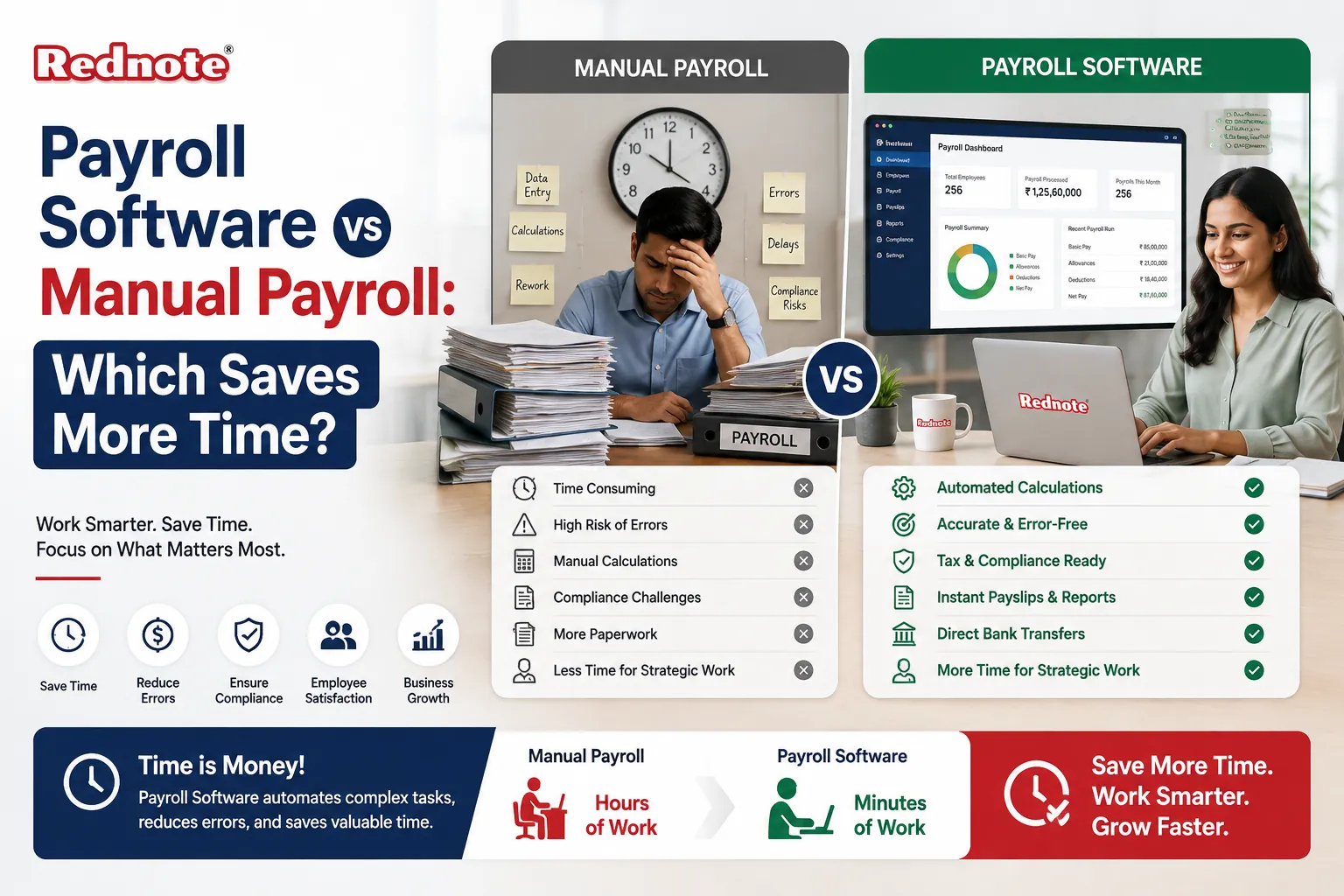
Payroll Software vs Manual Payroll: Which Saves More Time?
Payroll is one of those business tasks that has to be done accurately and on time every month. From calculating salaries and deductions to preparing payslips and maintaining payroll records, even a small mistake can create unnecessary work for HR teams and employees. This is why many businesses compare payroll software vs manual payroll when looking for a faster and more reliable payroll process.
Manual payroll may work for a very small team, but as employee numbers increase, the time required for calculations, verification, reporting, and compliance can grow quickly. Payroll software can automate many of these repetitive activities, helping businesses reduce administrative effort and spend more time on important HR responsibilities.
What Is Manual Payroll?
Manual payroll means managing employee salary calculations and payroll records without dedicated payroll automation software. HR or finance teams may use spreadsheets, calculators, attendance records, and other documents to process salaries.
A typical manual payroll process may include:
- Collecting attendance and working-hour information
- Calculating basic salary and allowances
- Calculating deductions and taxes
- Checking leave and overtime records
- Preparing individual payslips
- Reviewing payroll calculations
- Maintaining employee payroll records
- Preparing payroll reports
Although manual payroll gives businesses direct control over calculations, it can become time-consuming when the workforce grows.
What Is Payroll Software?
Payroll software is a digital solution designed to automate and manage salary processing. Depending on the system, it can handle employee information, attendance, leave, salary calculations, deductions, payslips, payroll reports, and compliance-related processes.
Instead of repeatedly entering and calculating information, HR teams can configure payroll rules and allow the software to perform routine calculations.
This can make automated payroll processing particularly useful for businesses with multiple employees, complex salary structures, or frequent payroll changes.
Payroll Software vs Manual Payroll: Time Comparison
The biggest difference between the two approaches is how much repetitive work the HR or finance team needs to perform.
| Payroll Activity | Manual Payroll | Payroll Software |
|---|---|---|
| Employee data entry | Repeated manual updates | Centralized employee records |
| Salary calculation | Manual calculation | Automated calculation |
| Attendance integration | Usually manual | Can be integrated |
| Leave calculation | Manual checking | Automated based on records |
| Overtime calculation | Manual | Can be automated |
| Payslip creation | Created individually | Generated automatically |
| Payroll reports | Manual preparation | Generated quickly |
| Error checking | Requires manual review | Built-in validation features |
| Record management | Spreadsheets/files | Centralized digital records |
| Payroll processing time | Higher | Generally lower |
The exact time saved depends on the number of employees, payroll complexity, software features, and the quality of the existing process. However, automation can significantly reduce repetitive administrative tasks.
Where Does Manual Payroll Take More Time?
Manual payroll becomes demanding because several small activities have to be completed every pay cycle.
For example, an HR employee may need to compare attendance records with leave information before calculating salary. Overtime may need to be checked separately, while deductions and allowances are entered into a spreadsheet.
After calculations are completed, the payroll team may need to review every employee record before generating payslips.
This creates multiple opportunities for payroll errors. When an error is discovered, the team has to identify the incorrect calculation, correct the record, update the payroll sheet, and potentially regenerate the payslip.
As the employee count increases, these additional steps can consume valuable working hours.
How Payroll Software Saves Time
Payroll software saves time mainly by reducing repetitive manual work.
1. Automated Salary Calculations
Once salary structures and payroll rules are configured, the system can calculate salaries based on available employee information. This reduces the need to perform the same calculations manually every month.
2. Faster Payslip Generation
Preparing payslips individually can be tedious. Payroll systems can generate payslips for multiple employees after payroll processing is completed.
3. Easier Attendance and Leave Management
When Payroll Software connects with attendance or leave management systems, HR teams may not need to manually transfer every attendance or leave detail into a payroll spreadsheet.
4. Reduced Data Entry
Repeated data entry increases administrative workload and creates opportunities for mistakes. A centralized payroll system can allow employee information to be maintained in one place.
5. Faster Payroll Reporting
Businesses often need payroll summaries for management, finance teams, audits, or internal records. Payroll software can generate reports based on stored payroll information, reducing manual spreadsheet preparation.
Does Payroll Software Eliminate All Payroll Work?
No. Payroll software does not completely remove the need for HR or finance professionals.
Businesses still need to:
- Maintain accurate employee information
- Review salary structures
- Check attendance and leave data
- Configure payroll rules correctly
- Review payroll before final approval
- Keep up with applicable payroll regulations
- Handle unusual employee situations
The main benefit is that software handles many repetitive calculations and administrative activities, allowing professionals to focus on reviewing and managing the process rather than doing every calculation themselves.
When Is Manual Payroll Still Practical?
Manual payroll may be suitable for a very small business with a limited number of employees and straightforward salary structures.
If payroll takes only a short amount of time each month and there are few changes to employee records, moving immediately to software may not provide a major benefit.
However, businesses should consider future growth. A payroll process that works for 5 employees may become difficult to manage with 25, 50, or 100 employees.
When Should a Business Choose Payroll Software?
Payroll automation becomes more valuable when a business experiences:
- Rapid employee growth
- Multiple salary structures
- Frequent employee changes
- Overtime and shift calculations
- Complex leave policies
- Increasing payroll errors
- Repetitive spreadsheet work
- More reporting requirements
- Multiple departments or locations
In these situations, employee payroll management software can help standardize processes and reduce administrative pressure.
Pro Tip
Don't choose payroll software only because it promises automation. Before selecting a solution, calculate how much time your HR or finance team currently spends on salary processing, payslips, attendance checks, corrections, and reporting. Compare that workload with the software's automation capabilities. The best solution is the one that removes the most repetitive work without making payroll management unnecessarily complicated.
For most growing businesses, payroll software saves more time than manual payroll because it reduces repetitive data entry, automates calculations, speeds up payslip generation, and simplifies reporting.
Manual payroll can still be practical for very small teams with simple requirements. However, the time cost can increase as employee numbers and payroll complexity grow.
The right choice ultimately depends on business size, payroll requirements, budget, and the level of automation needed. A well-configured payroll system can turn payroll from a repetitive monthly task into a more streamlined and manageable process.

