



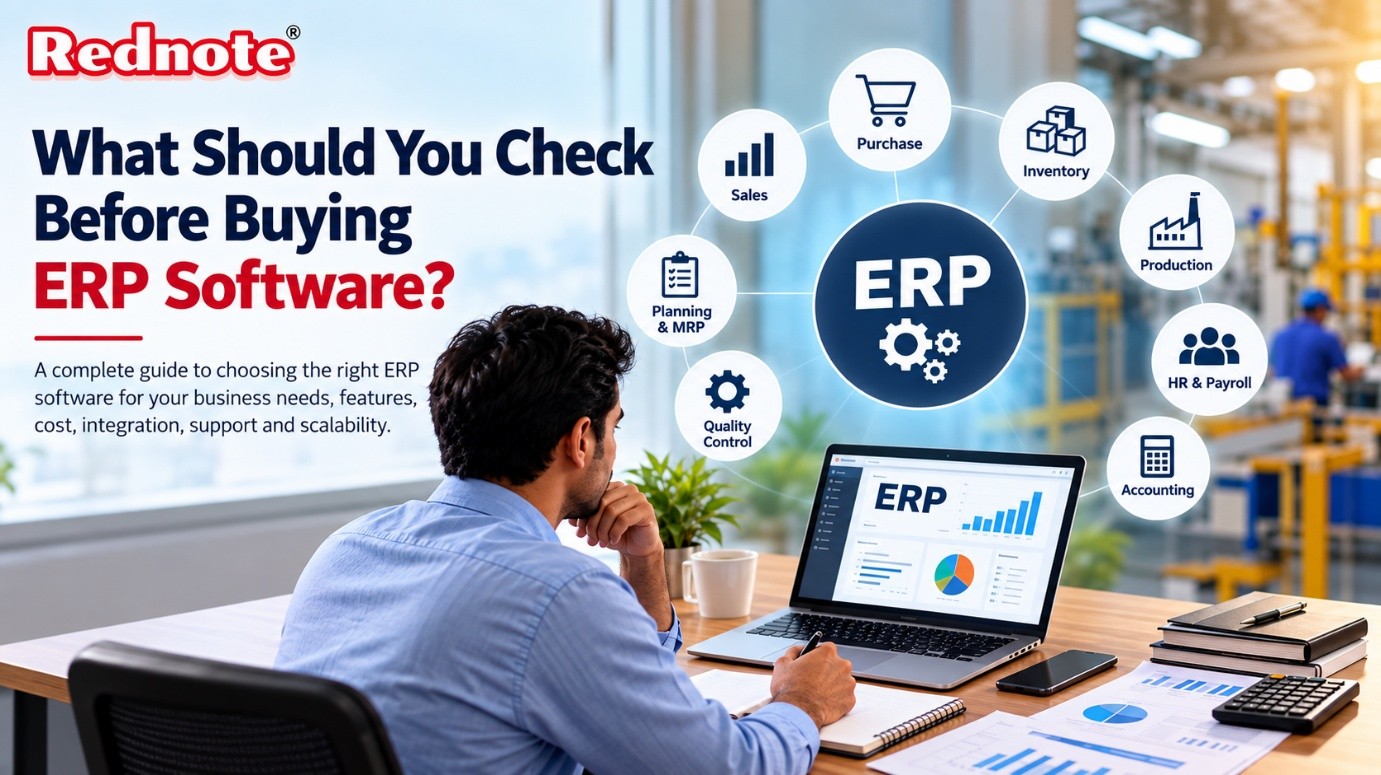
What Should You Check Before Buying ERP Software?
Investing in enterprise software is one of the most critical decisions a growing business can make. As operations expand, managing inventory, sales orders, procurement, and financials across disjointed spreadsheets quickly becomes unsustainable. Whether you are running a small assembly unit or an expanding production factory, selecting the best ERP software requires careful planning to ensure the system aligns with your day-to-day operations and long-term business goals.
Choosing the wrong platform can result in bloated implementation costs, team resistance, and operational bottlenecks. To help you evaluate your choices effectively, this comprehensive guide covers everything you need to inspect before signing a contract.
1. Core Functional Capabilities for Your Industry
Not all management software is created equal. A generic system designed for standard retail won't handle complex assembly lines, production schedules, or raw material tracking. You need a platform tailored to your specific operational workflows.
For industrial setups, choosing dedicated Manufacturing ERP software ensures you get specialized features right out of the box without expensive custom coding. Key functional modules to inspect include:
- Bill of Materials (BOM) & Production Costing: Ability to create multi-level BOMs and calculate precise expenses including raw materials, labor, and overhead per unit.
- Material Requirement Planning (MRP): Automated checks comparing current inventory against sales orders to trigger purchase requests before bottlenecks happen.
- Subcontracting Management: Seamless tracking of raw materials sent to third-party vendors for specialized operations and monitoring finished goods returned.
- Warehouse & Shelf Tracking: Multi-warehouse management with exact shelf and rack tagging to maintain real-time inventory visibility.
2. Real-Time Tracking and Workflow Approvals
Modern operational management requires full visibility into every batch, job card, and transaction. Before committing to a solution, verify how effectively it monitors operations in real time.
When managing shop floors, implementing a Manufacturing ERP software solution allows production managers to track job cards from raw material issuance to finished product packaging. Look for systems that offer:
- Batch & Serial Number Tracking: Essential for trace-back compliance, quality assurance, and managing expiry or warranty details.
- Automated Approval Workflows: Configurable hierarchy rules so purchase orders, discounts, and high-value requisitions require authorization before proceeding.
- Quality Control (QC) Gates: Parameter-based and quantity-validated inspection checks at Goods Receipt Note (GRN) stages and post-production phases.
3. Localization and Statutory Compliance
Regional tax compliance and regulatory requirements can make or break software usability. In fast-growing economies, statutory compliance changes frequently, and your core system must adapt effortlessly.
For instance, companies operating in South Asia require robust compliance automation. Adopting specialized ERP software India guarantees that critical localized requirements—such as e-Invoicing, e-Way bill generation, GST compliance, and seamless government portal synchronization—are handled natively without requiring custom add-ons.
4. Integration Capabilities with Accounting Systems
A common mistake businesses make when upgrading their operational software is attempting to overhaul every single existing accounting tool overnight. Your new platform should complement and integrate smoothly with your financial operations rather than disrupting them.
A modern ERP system should offer built-in integration with widely used accounting platforms like Tally. This ensures seamless synchronization of invoices, purchase orders, client ledgers, and vendor details. Data flows automatically without requiring duplicate manual entries, reducing human error and saving valuable accounting hours.
5. Flexibility: Cloud vs. On-Premise Deployment
Deployment options impact both your initial capital expenditure and ongoing operational costs.
| Feature | Cloud Deployment | On-Premise Deployment |
|---|---|---|
| Upfront Capital | Low (Monthly/Annual Subscription) | High (Servers & Infrastructure) |
| Remote Access | Instant via Web & Mobile Apps | Requires VPN / Dedicated Network |
| Maintenance & Upgrades | Handled automatically by vendor | Managed by internal IT team |
| Data Control | Hosted on secure cloud servers | Stored locally on-site |
Evaluating options like rednote gives businesses the flexibility to choose between subscription-based Cloud deployments or self-managed On-Premise setups based on operational scale and data governance policies.
6. Ease of Use and Mobile Accessibility
Even the feature-rich systems fail if employees find them overly complex to navigate daily. Request a hands-on trial to test how intuitive the user interface is for sales teams, warehouse staff, and floor managers.
Key usability factors to evaluate:
- Role-Based Dashboards: Displays relevant key performance indicators (KPIs) based on user roles (e.g., procurement vs. floor supervisor).
- Mobile App Support: Android and iOS apps enabling managers to authorize approvals, check stock levels, and review sales performance on the go.
- Short Learning Curve: Simple navigation that minimizes onboarding time for new hires.
7. Scalability and Total Cost of Ownership (TCO)
Look beyond the initial software license price. Calculate the Total Cost of Ownership across a 3- to 5-year horizon, accounting for implementation fees, user seat additions, maintenance, and training.
Selecting an adaptable ERP software for manufacturing company operations guarantees that as your production volume scales, your system expands with you—supporting multi-factory management, unlimited shelf configurations, and additional user seats without requiring a costly system replacement down the road.
8. Vendor Support and Implementation Expertise
Software is only as good as the team implementing it. Partnering with a vendor who understands your sector ensures smoother onboarding and reliable long-term assistance.
Before finalizing your decision, verify:
- Support Availability: Standard support hours and designated channels (phone, email, ticket system).
- Implementation Assistance: Onboarding guidance, historical data migration support, and staff training sessions.
- Client Testimonials: Real-world feedback from businesses operating in similar industrial sectors.
Evaluating proven providers listed on Rednote ensures access to technical support and dedicated implementation training throughout your digital transformation journey.
Final Thoughts
Selecting an enterprise solution is a strategic investment that shapes your operational efficiency for years to come. By thoroughly reviewing functional requirements, statutory compliance, integration capabilities, and user accessibility, you can confidently select the best ERP software tailored to your business goals. Taking the time to audit your workflows today prevents expensive operational friction tomorrow, setting a strong foundation for sustainable business growth.

