



What Should You Check Before Buying ERP Software?
Choosing an ERP system is a major decision for any growing business. The right system can bring finance, sales, inventory, HR, purchasing, and operations into one connected platform.But before choosing ERP software, there is another important decision to make: Where should your ERP system run?
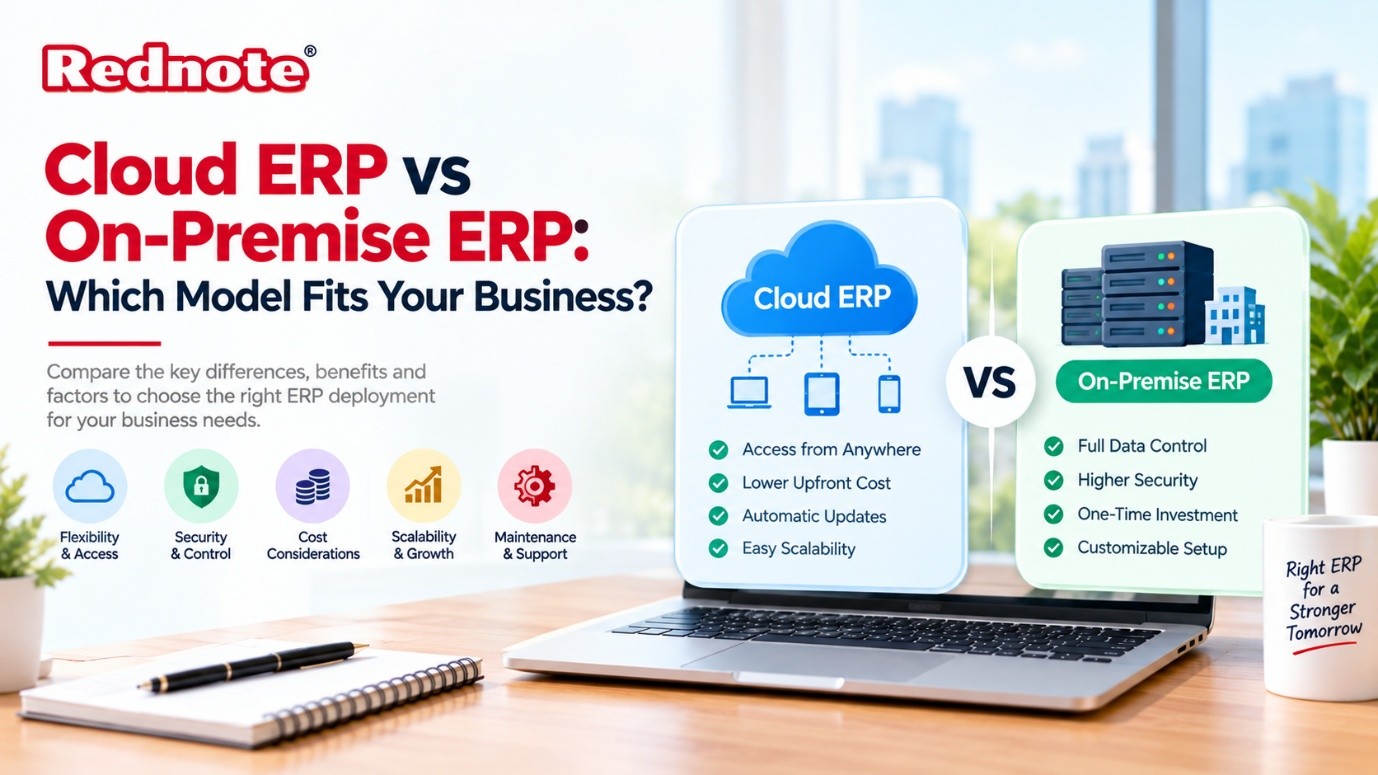
Businesses generally choose between Cloud ERP and On-Premise ERP. Both models can support core business operations, but they work differently when it comes to deployment, cost, maintenance, security, scalability, and accessibility.
A small business may prefer a system that can be started quickly with lower upfront costs. A larger organization may want greater control over infrastructure and customization.
So, which ERP model fits your business?
The answer depends on your budget, IT resources, security requirements, business size, and long-term growth plans.
What Is Cloud ERP?
Cloud ERP is an ERP system hosted on remote servers and accessed through the internet. Instead of installing the entire system on your company's own servers, your business uses the ERP through a web browser or application.
The ERP provider usually manages the infrastructure, software updates, backups, and technical maintenance.
For example, employees in different offices can access the same ERP system from their computers or other supported devices, provided they have the required permissions and internet access.
Key Features of Cloud ERP
- Internet-based access
- Subscription-based pricing in many cases
- Provider-managed infrastructure
- Automatic software updates
- Remote accessibility
- Easier scalability
- Reduced internal server maintenance
Cloud ERP can be particularly useful for businesses that want to reduce their dependence on internal IT infrastructure.
What Is On-Premise ERP?
On-premise ERP is installed and operated on servers owned or controlled by the business. The organization is responsible for maintaining the hardware, software environment, backups, updates, security controls, and other infrastructure requirements.
This model gives the business more direct control over its ERP environment.
Companies with specialized operational requirements may choose on-premise ERP when they need extensive control over system configuration or their internal infrastructure.
Key Features of On-Premise ERP
- Installed on company-controlled infrastructure
- Greater control over the ERP environment
- Internal management of servers and infrastructure
- More responsibility for maintenance
- Potential for extensive customization
- Higher initial infrastructure investment
On-premise ERP can make sense for organizations that already have a strong IT department and established infrastructure.
Cloud ERP vs On-Premise ERP: Key Differences
The biggest difference is where the ERP system is hosted and who manages the underlying infrastructure.
| Factor | Cloud ERP | On-Premise ERP |
|---|---|---|
| Deployment | Hosted by ERP provider | Installed on company infrastructure |
| Initial Cost | Generally lower upfront investment | Usually higher upfront investment |
| Maintenance | Mostly handled by provider | Managed by internal IT team or vendor |
| Accessibility | Accessible remotely with internet | Usually accessed through company infrastructure or configured remote access |
| Updates | Often managed by provider | Usually managed by the organization |
| Scalability | Easier to scale based on business needs | May require additional infrastructure |
| Hardware | Minimal internal server requirements | Requires suitable hardware and infrastructure |
| IT Resources | Lower infrastructure management requirements | Greater internal IT involvement |
| Customization | Depends on provider and platform | Often offers extensive control |
| Backup | Typically provider-managed, depending on contract | Organization is responsible |
| Implementation | Can be faster in many cases | May take longer due to infrastructure setup |
| Control | Less direct infrastructure control | Greater infrastructure control |
Cost: Cloud ERP vs On-Premise ERP
Cost is one of the first factors businesses consider when selecting an ERP model.
Cloud ERP commonly uses a subscription or recurring payment model. This can reduce the need for major upfront investment in servers and infrastructure.
However, businesses need to consider the total subscription cost over several years, including users, modules, integrations, storage, support, and other services.
On-premise ERP usually requires more initial investment. Businesses may need to purchase servers, networking equipment, licenses, security solutions, and other infrastructure.
There can also be ongoing expenses for maintenance, upgrades, IT staff, and hardware replacement.
Therefore, comparing only the initial price may not give you the complete picture.
Pro Tip: Calculate the total cost of ownership (TCO) over at least three to five years. Include software, infrastructure, implementation, support, upgrades, security, training, and internal IT costs.
Security and Data Control
Security is often one of the biggest concerns when moving business applications to the cloud.
Cloud ERP providers typically invest in infrastructure security, access controls, monitoring, backups, and other security measures. However, the actual security capabilities depend on the provider, service agreement, configuration, and your organization's own practices.
With on-premise ERP, the business has greater direct control over its infrastructure and data environment.
That control also brings responsibility.
The organization must properly manage access permissions, network security, backups, patches, monitoring, disaster recovery, and other security requirements.
So, neither deployment model should be considered automatically secure simply because of where the system is hosted.
Scalability and Business Growth
Business requirements can change quickly.
A company may add employees, open new locations, launch new products, or expand into new markets.
Cloud ERP can make scaling easier because additional resources, users, or modules can often be added through the provider.
On-premise ERP can also scale, but expanding the system may require additional hardware, infrastructure capacity, configuration, and IT resources.
For rapidly growing businesses, this difference can become important.
Accessibility and Remote Work
Cloud ERP is designed around internet-based access. This makes it convenient for organizations with distributed teams, multiple offices, remote employees, or employees who travel frequently.
Employees can access the system from supported locations and devices according to the company's security policies.
On-premise ERP can support remote access too, but it may require additional network configuration, VPNs, remote desktop solutions, or other technologies.
If your workforce operates across multiple locations, accessibility should be part of your ERP evaluation.
Customization and Control
Customization is another important consideration.
On-premise ERP can provide businesses with significant control over the software environment. Organizations with complex processes may value this flexibility.
Cloud ERP platforms can also offer customization, integrations, workflows, APIs, and configuration options. However, the available options depend on the specific platform and service plan.
Before choosing a model, identify which processes genuinely require customization.
Too much customization can make ERP implementation more complicated and expensive, regardless of the deployment model.
Maintenance and Updates
With on-premise ERP, your organization generally has more responsibility for software updates, infrastructure maintenance, backups, and system availability.
Cloud ERP shifts much of this infrastructure responsibility to the provider.
This can reduce the workload for internal IT teams. However, businesses should still review how updates are handled, how downtime is managed, what support is included, and how data is backed up.
Always check the provider's service agreement before making a decision.
Which ERP Model Is Right for Your Business?
There is no single deployment model that works for every organization.
Cloud ERP may suit businesses that:
- Want lower upfront infrastructure costs
- Need remote accessibility
- Have limited internal IT resources
- Expect business growth
- Want provider-managed updates
- Operate across multiple locations
- Prefer predictable recurring expenses
On-Premise ERP may suit businesses that:
- Need greater infrastructure control
- Have established internal IT teams
- Require extensive system customization
- Have specific infrastructure or integration requirements
- Prefer to manage their own ERP environment
- Have regulatory or operational requirements that influence deployment decisions
The important point is to evaluate the business requirement first rather than choosing a deployment model based only on price.
Questions to Ask Before Choosing an ERP Model
Before making the final decision, ask:
- How many employees will use the ERP?
- How many locations need access?
- What is our current IT infrastructure?
- How much internal IT support do we have?
- What level of customization is required?
- What are our security and compliance requirements?
- How quickly do we expect the business to grow?
- What integrations are required?
- What is our three-to-five-year ERP budget?
- What happens if the business needs to migrate to another system later?
Answering these questions can make the selection process much clearer.
Final Thoughts
The choice between Cloud ERP and On-Premise ERP is ultimately a business and technology decision.
Cloud ERP can offer easier accessibility, simpler infrastructure management, and flexible scalability. On-premise ERP can provide greater control over infrastructure and potentially deeper customization.
The right choice depends on your organization's size, budget, IT capabilities, security requirements, operational complexity, and future plans.
Instead of asking which ERP model is universally better, evaluate which model aligns with the way your business operates today and where you expect it to go in the coming years.

